
From December 1, 2026, WARU Circuit will accept smartphone payments only for track fees and in-store purchases. International visitors, please pay by credit card on your smartphone. November 30 is the last day to pay in cash. View the bilingual notice (PDF)
 CIRCUIT / YOKOHAMA
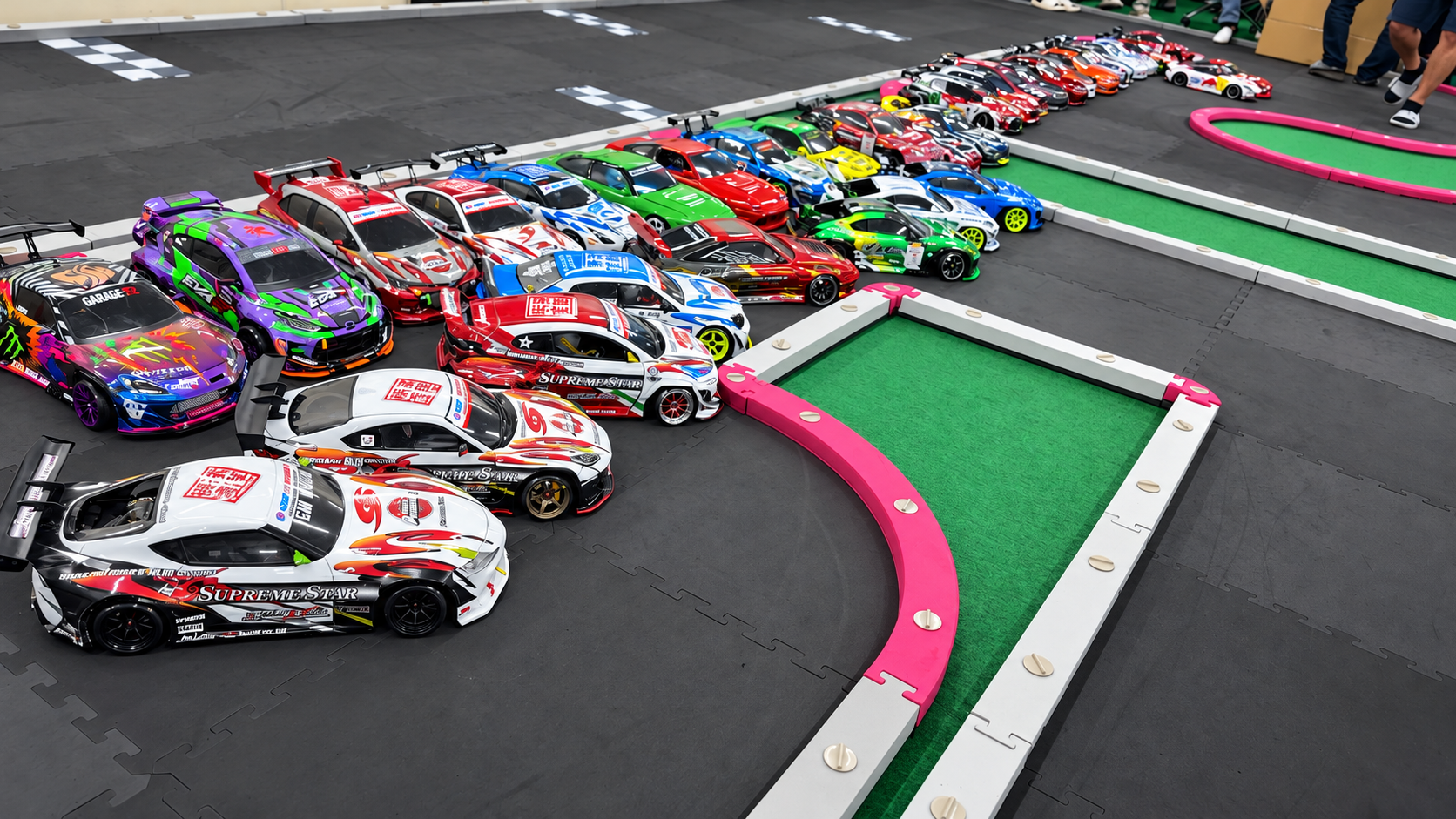
24 HOURS. ALL WEATHER. ALL PASSION.
Open 24 hours.
Enjoy driving in any weather.
Stay comfortable, even for a long visit.
Come and join us at WARU CIRCUIT!
At night, in the morning, or on a rainy day.
Enjoy time with your favorite car.
LINE OPENCHAT / WARU CIRCUIT
LINE OpenChat community
Get WARU CIRCUIT news and exchange tips with fellow drivers.
Join our Drift or Mini-Z community.
EVENTS / WARU CIRCUIT
Event reports
PAST EVENTS
Thank you for joining us.
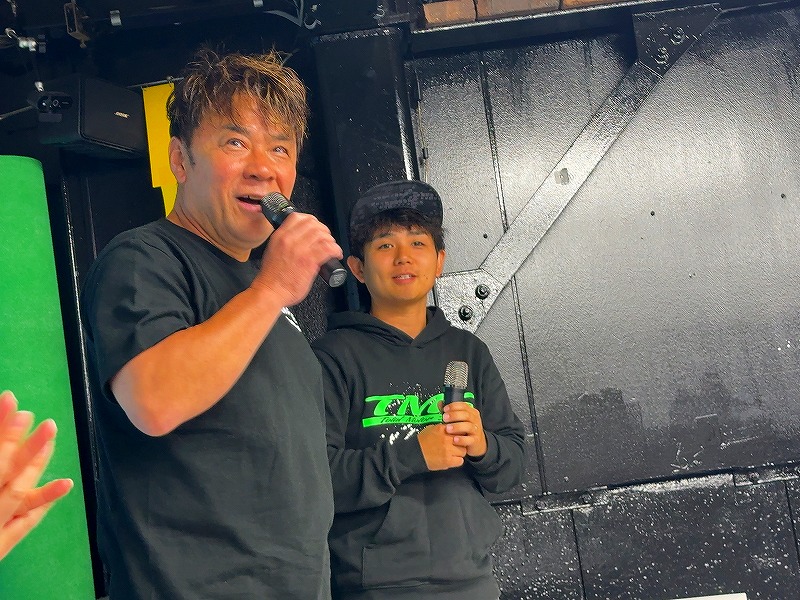
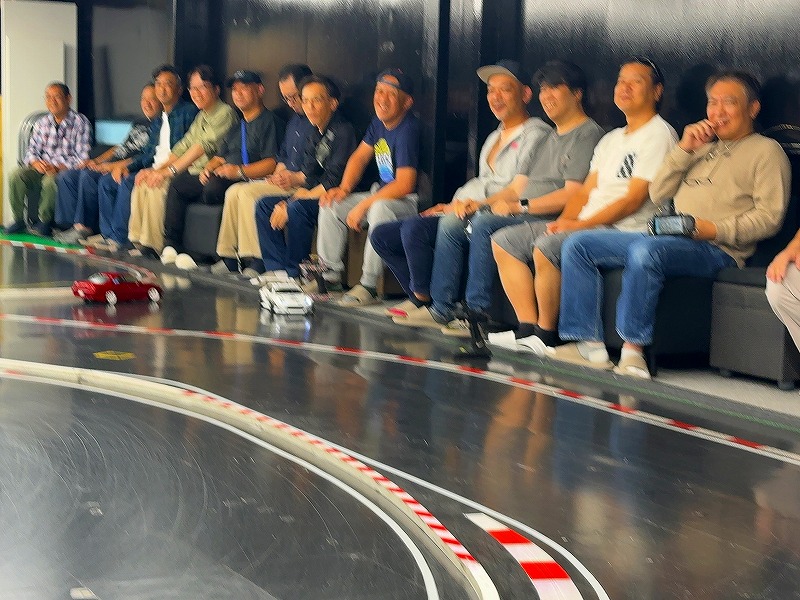
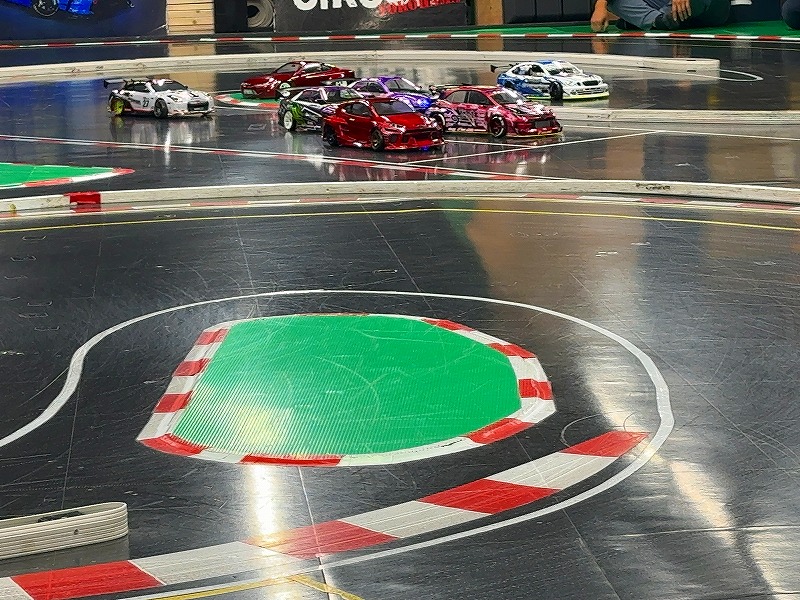
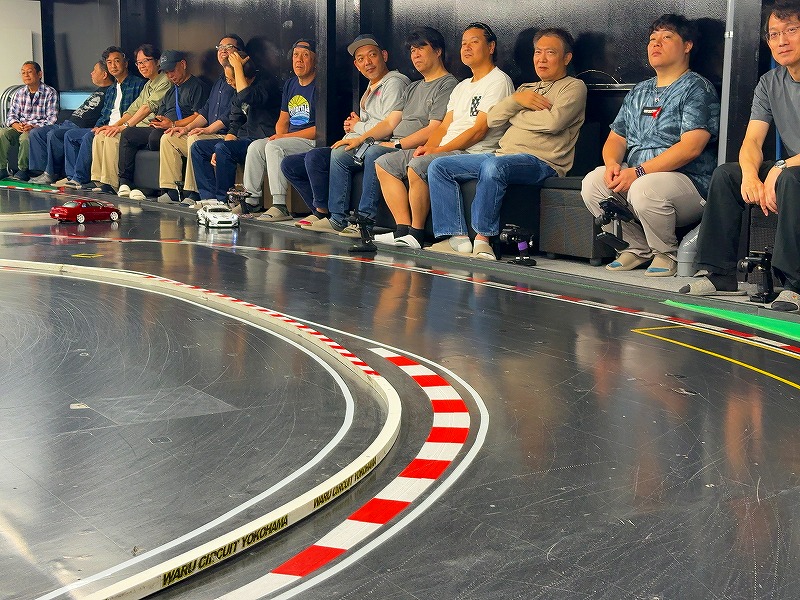
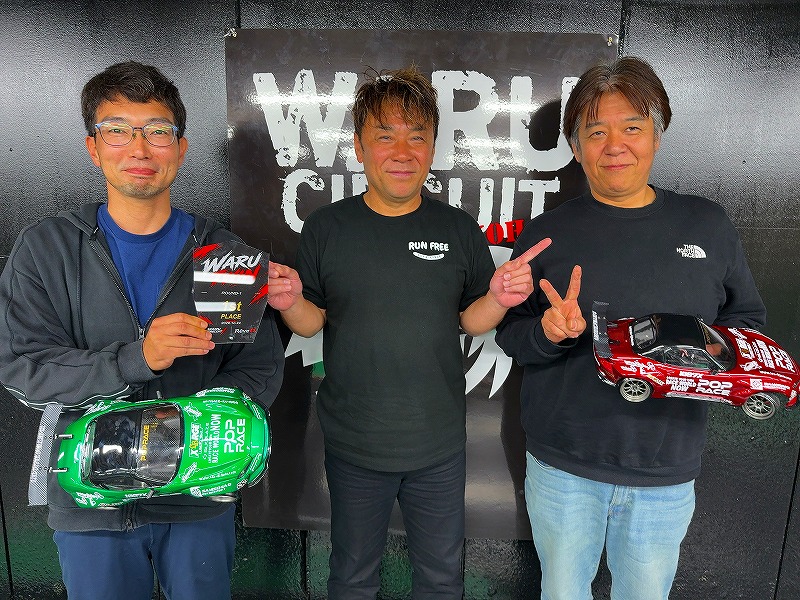
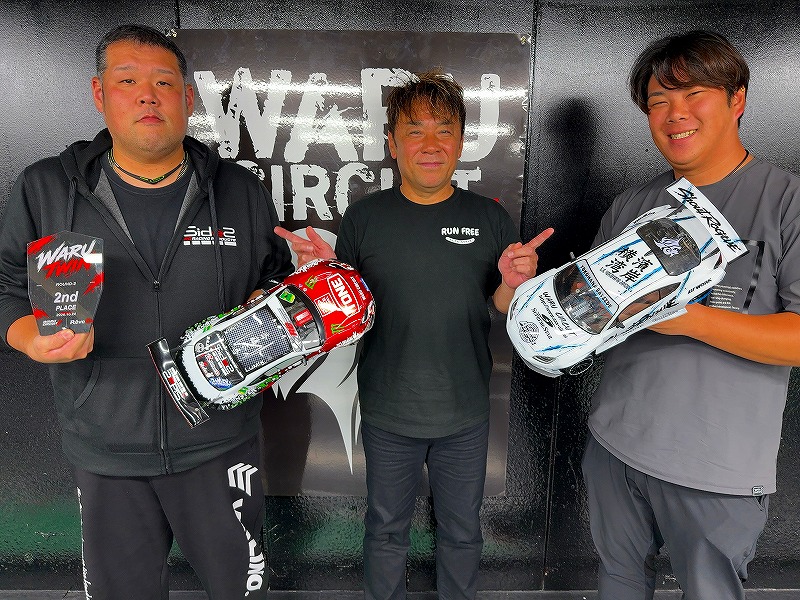
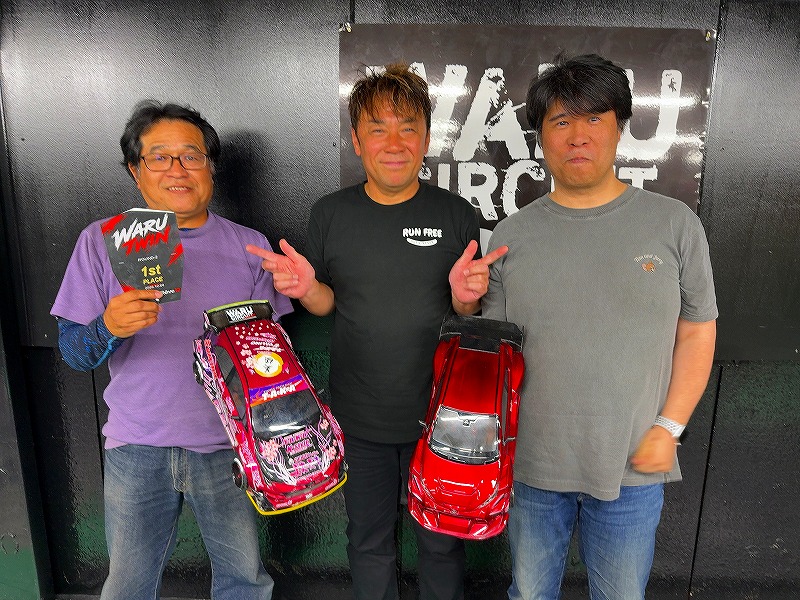
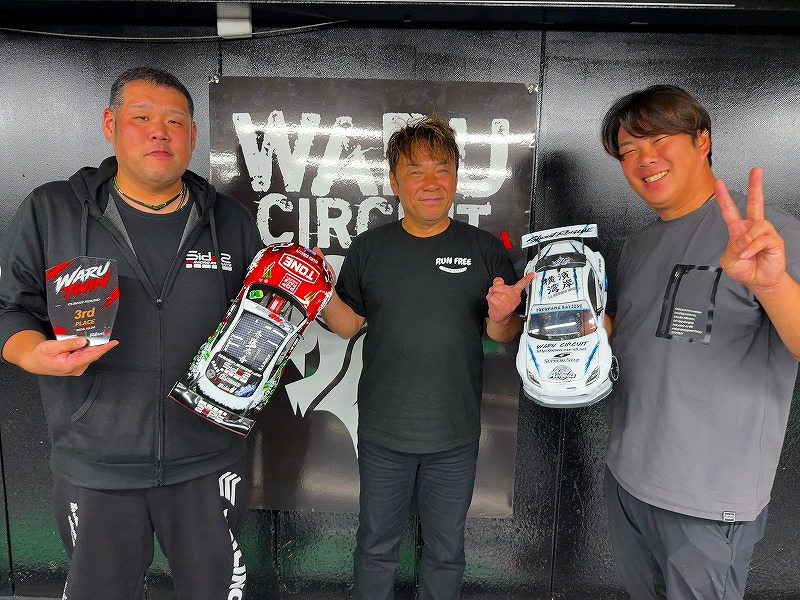
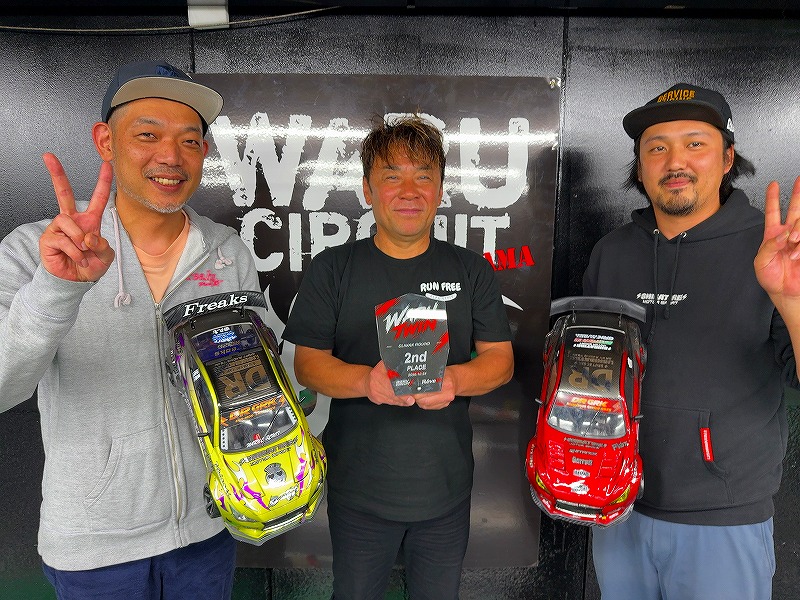
WARU-TWIN · October 24, 2026 · Event completed
Presented by Rêve D Takahiro, with FDJ driver Hirokazu Yamashita as special judge. WARU-TWIN began with 15 pairs and 30 participants and finished successfully. Thank you to everyone who joined us. See you next year!
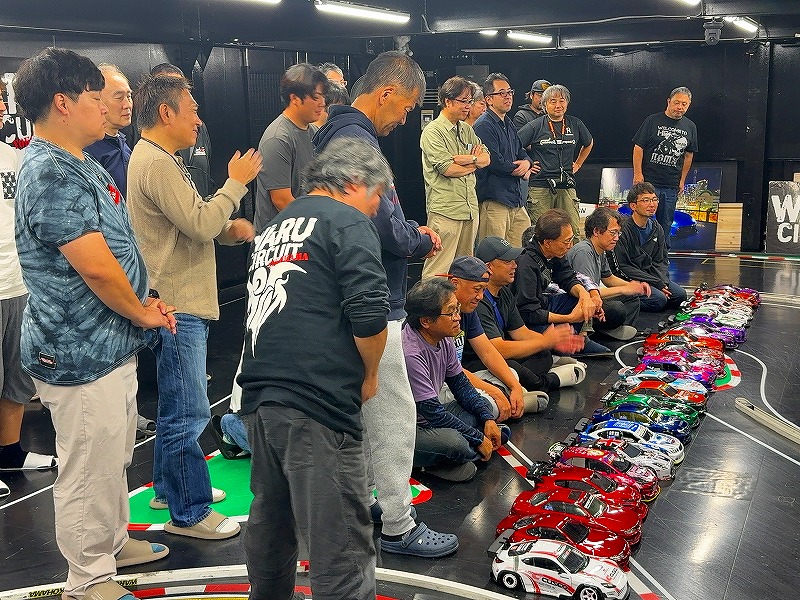
View venue, driving and award photos
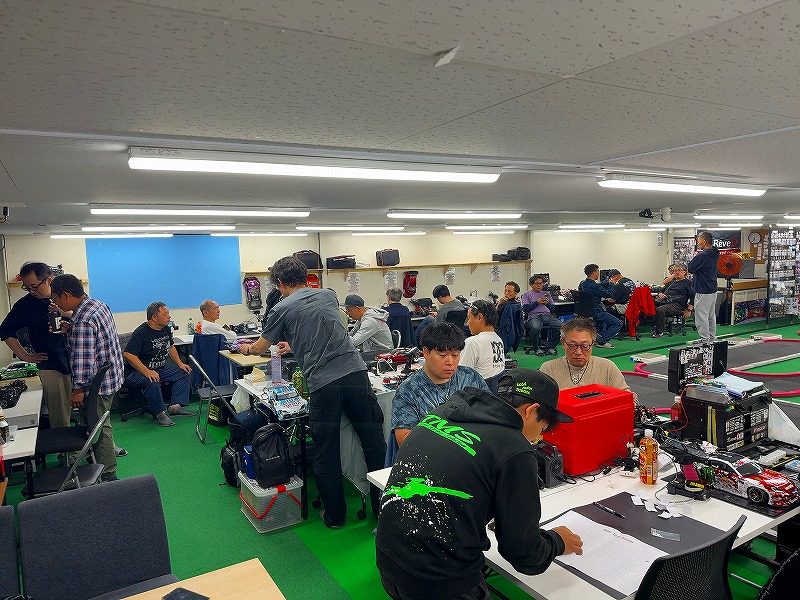
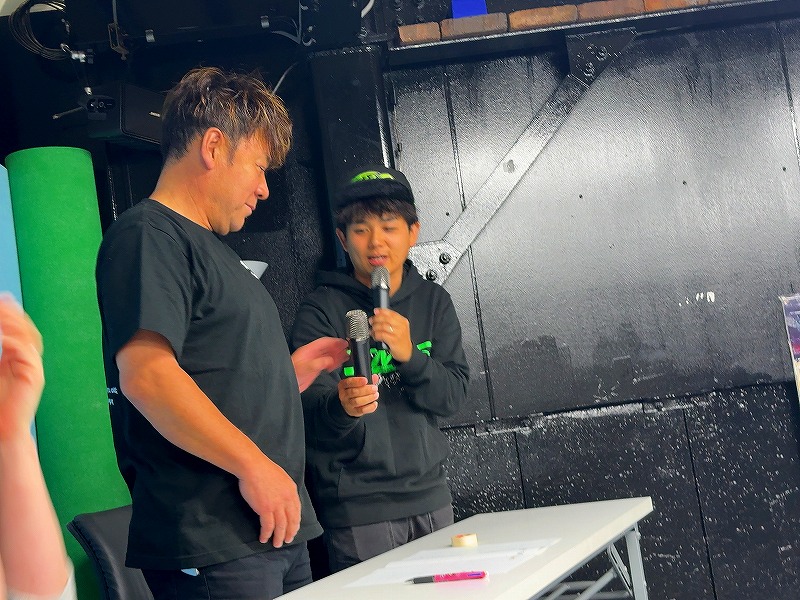
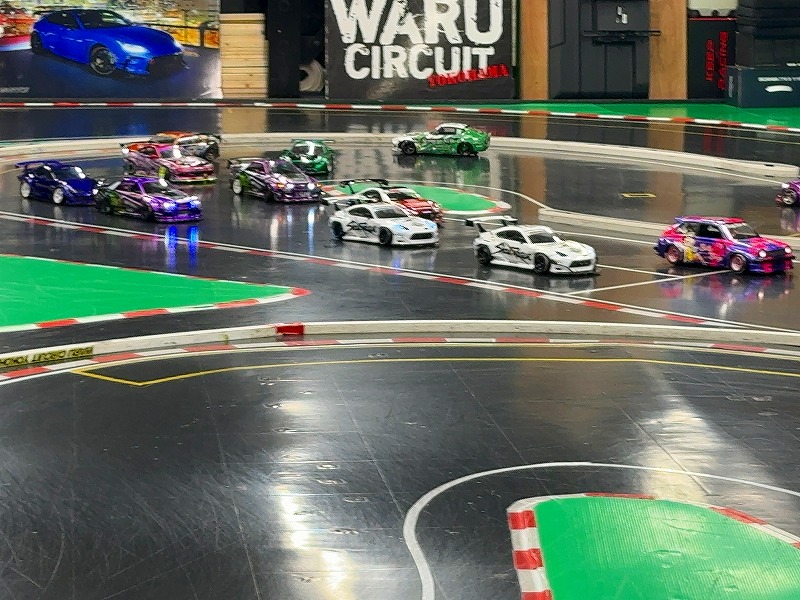
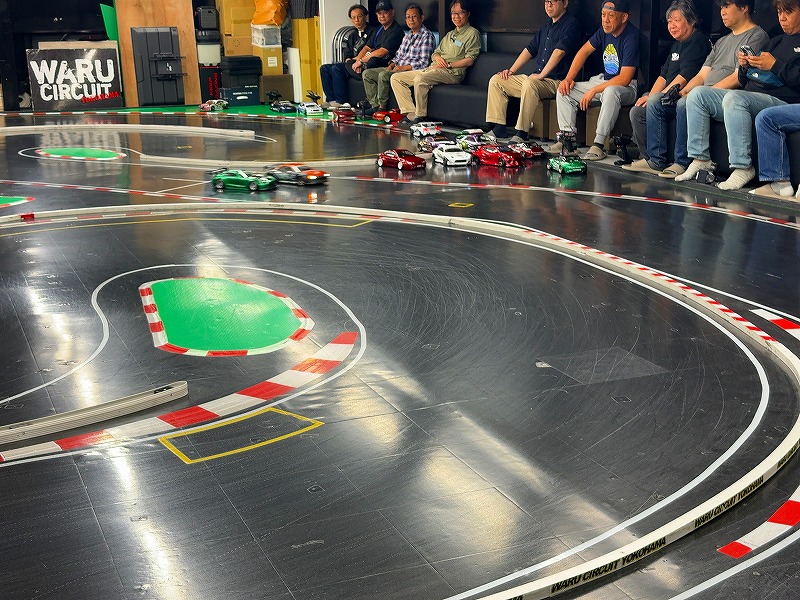
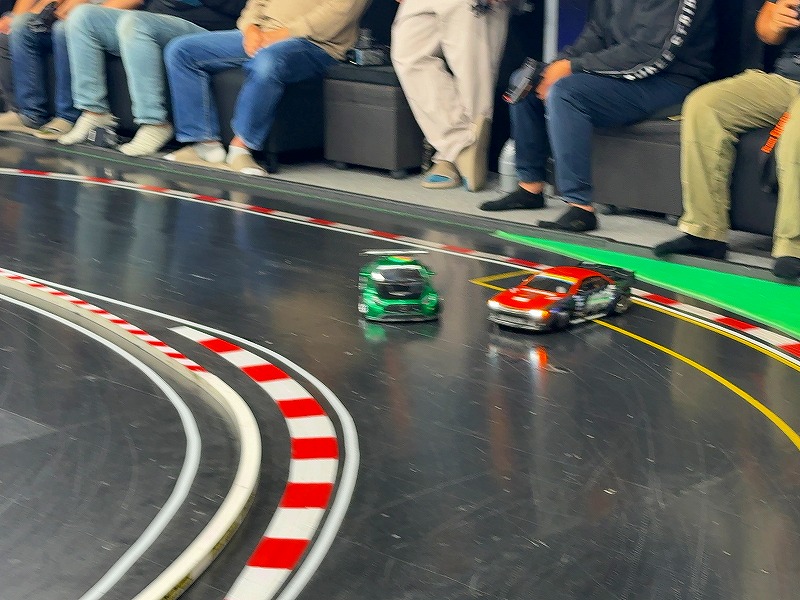
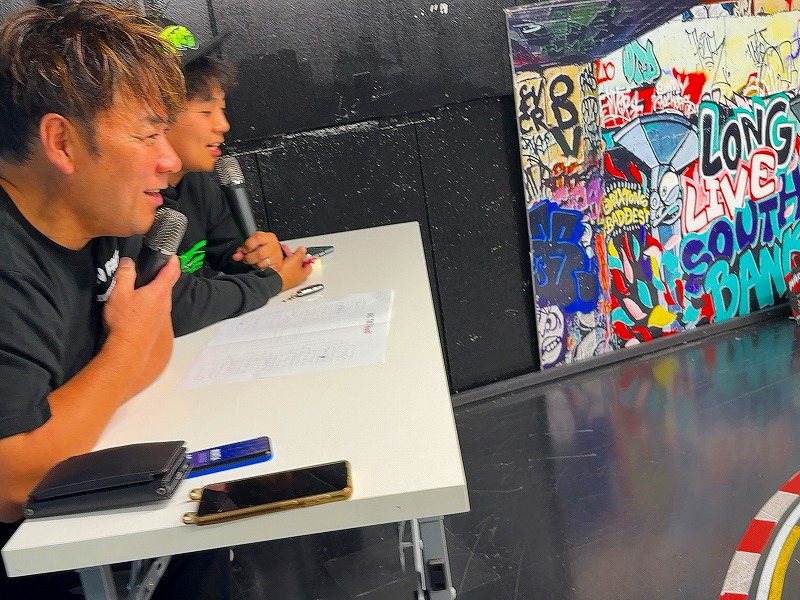
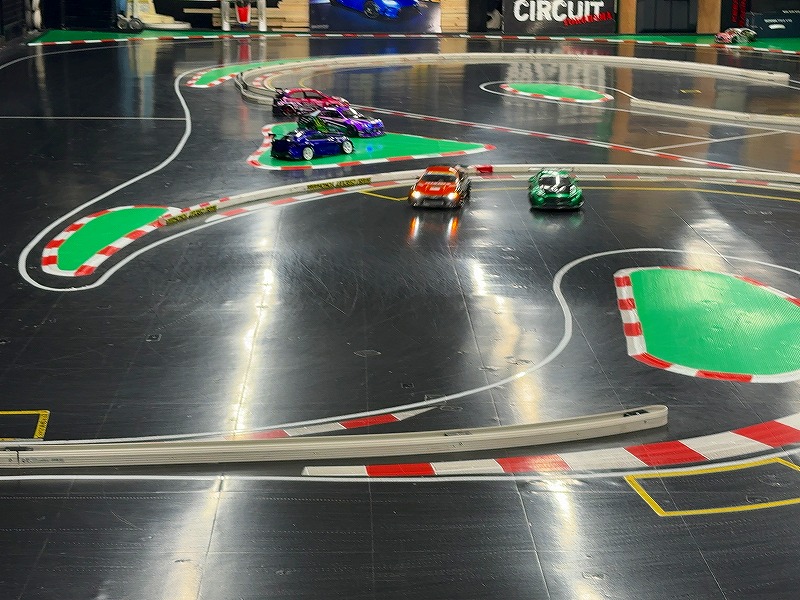
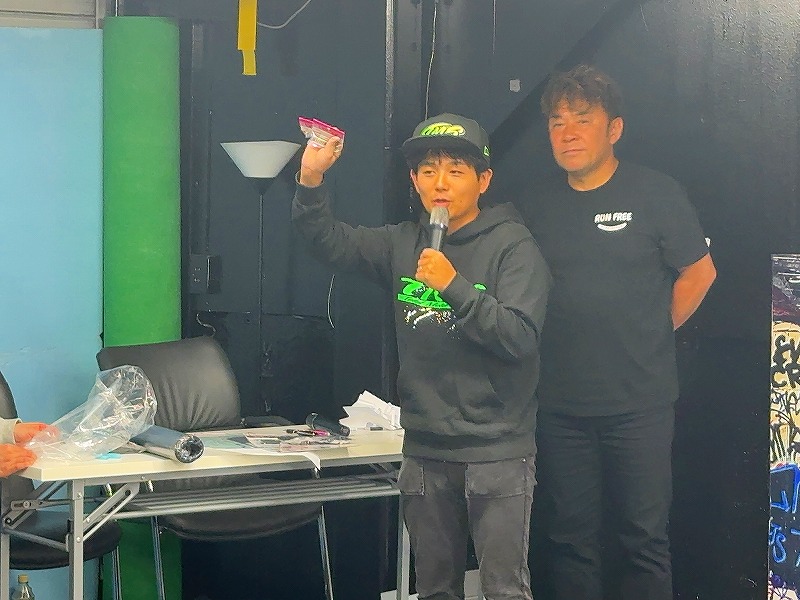
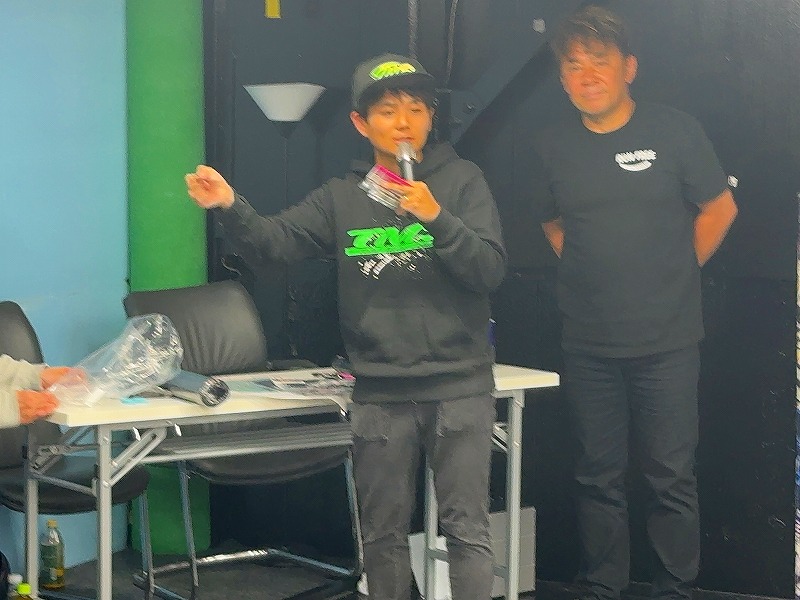
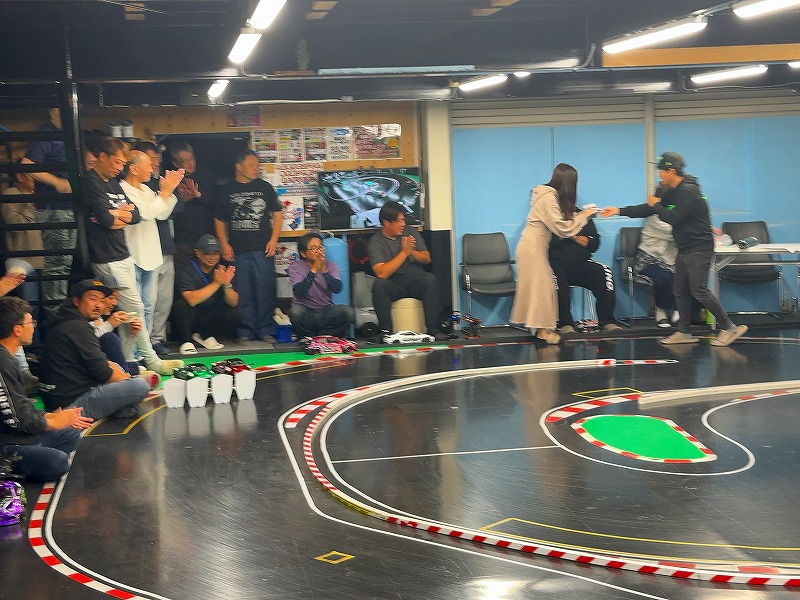
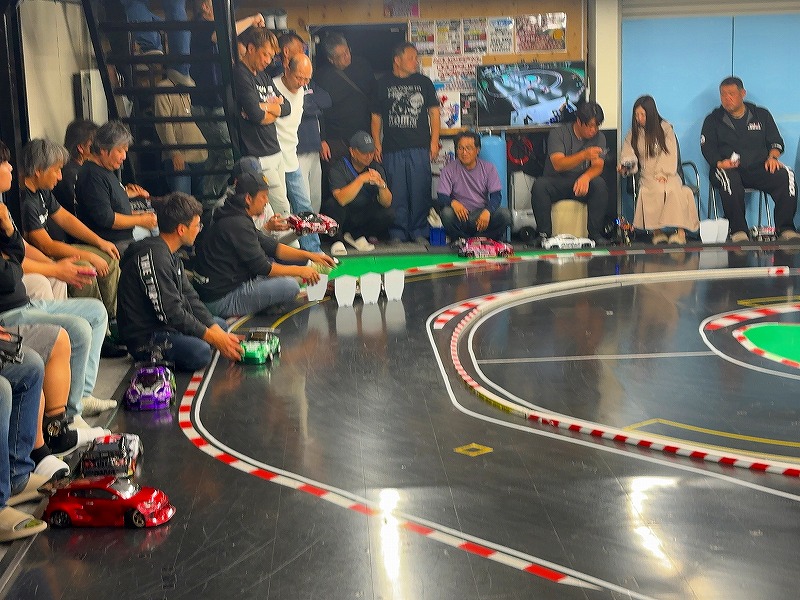
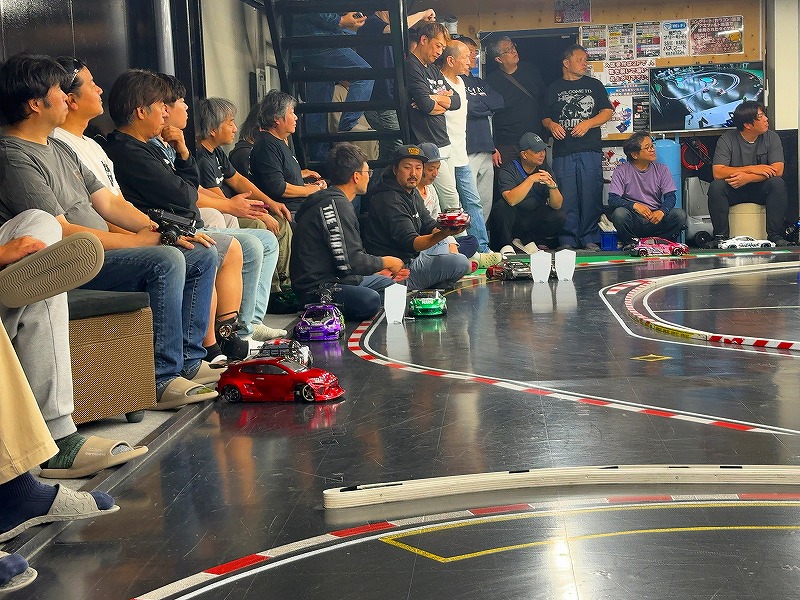
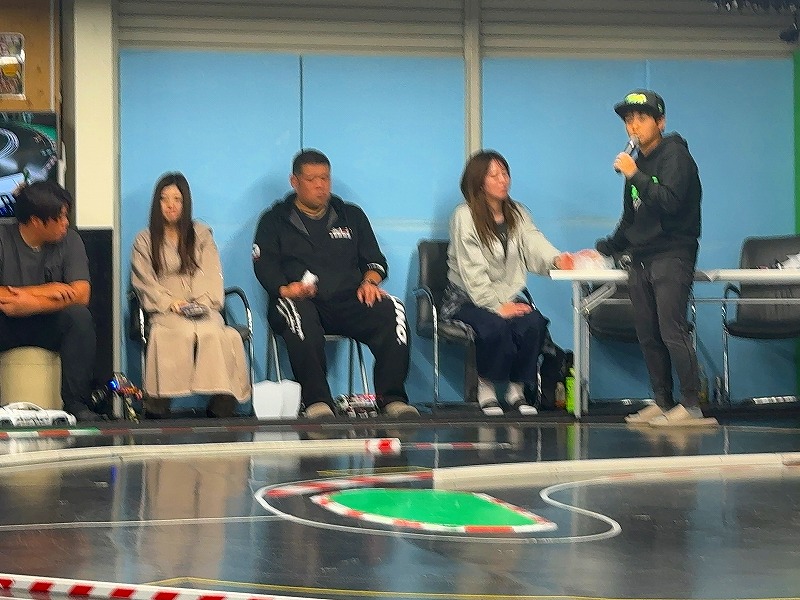
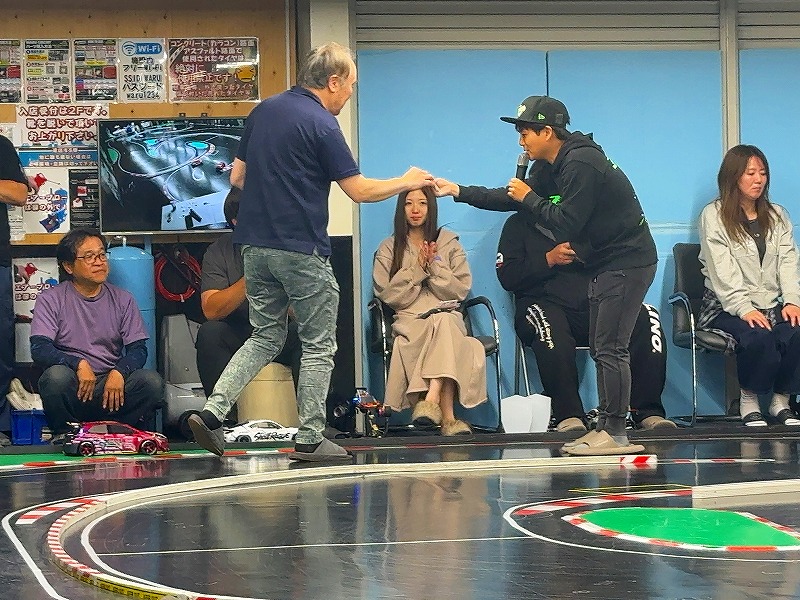
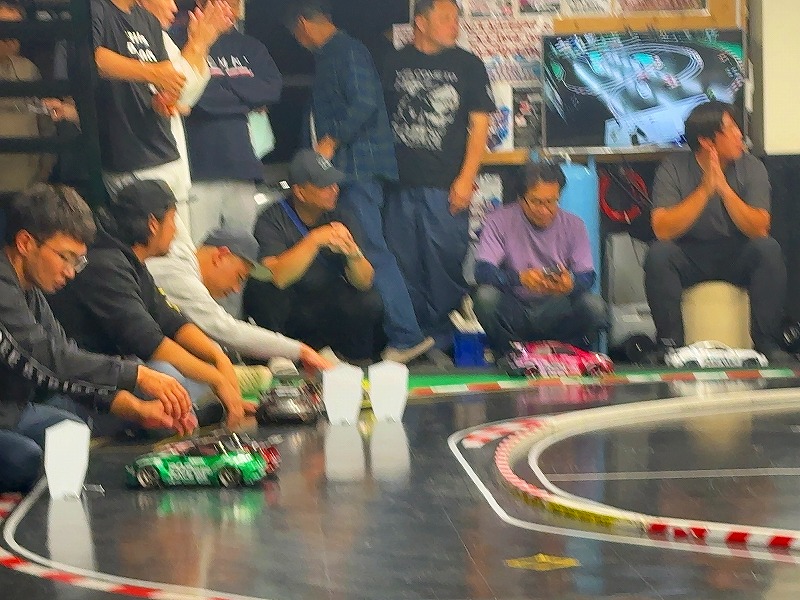
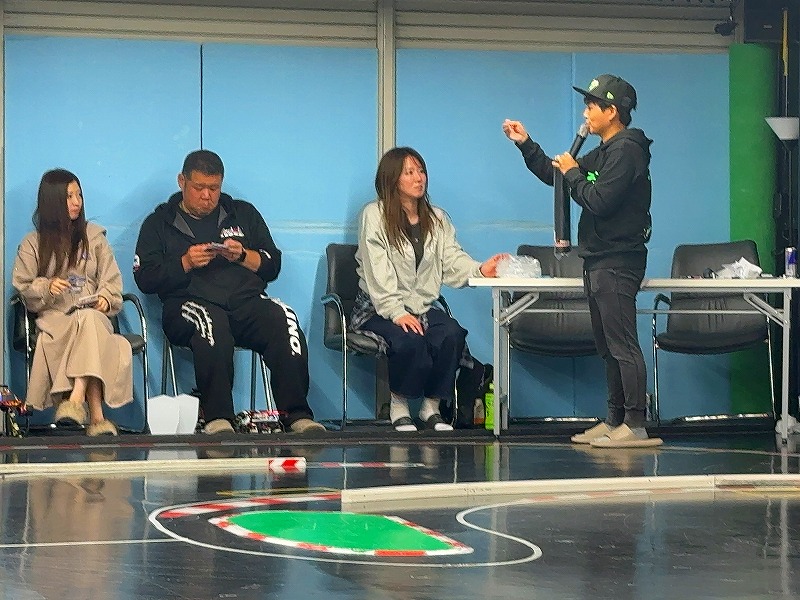
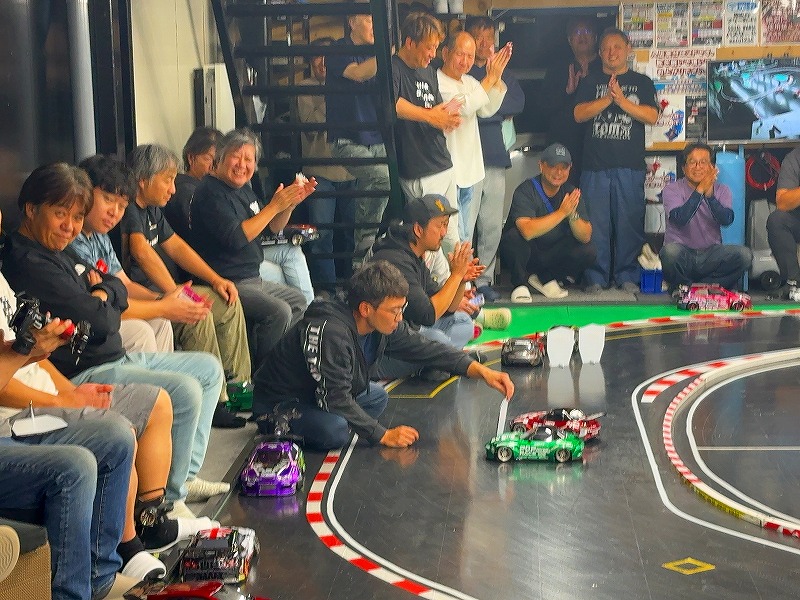
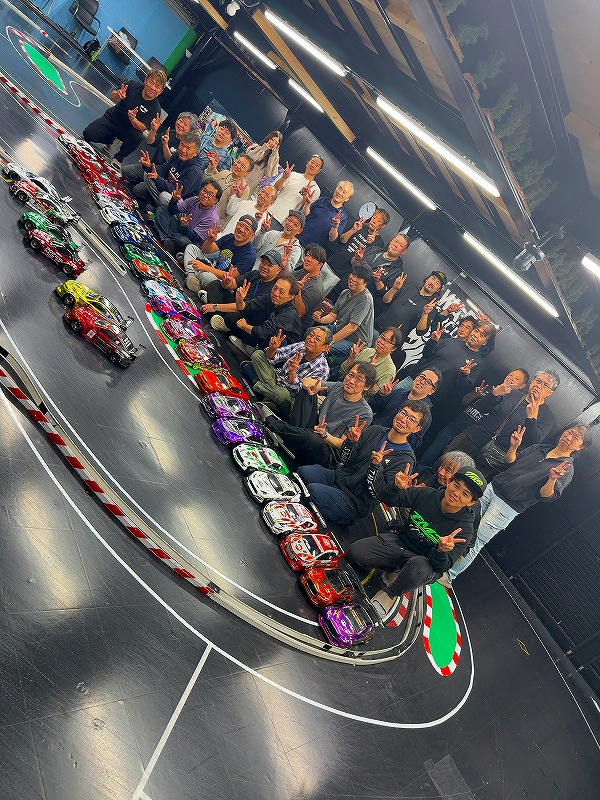
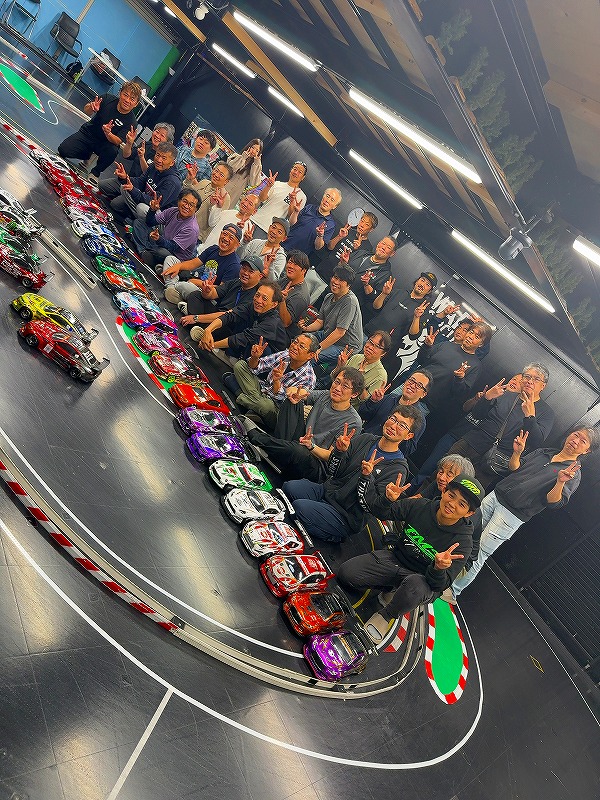
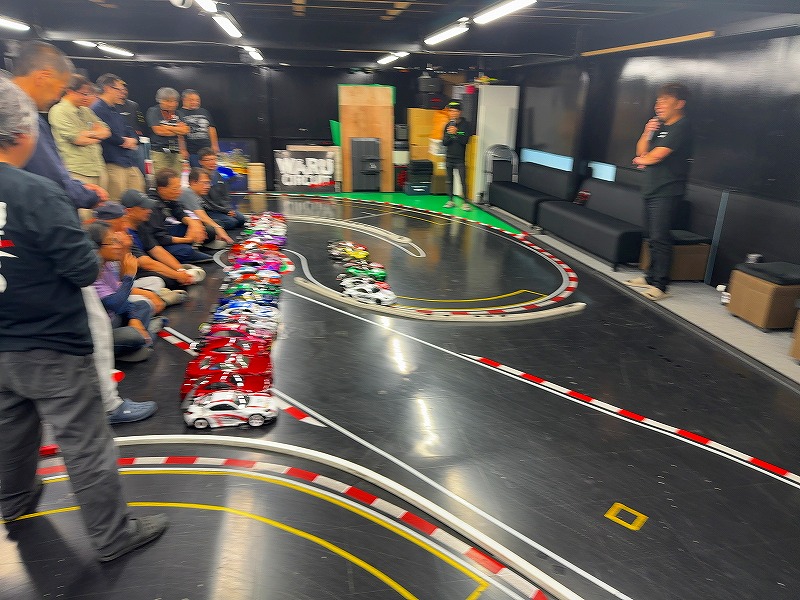
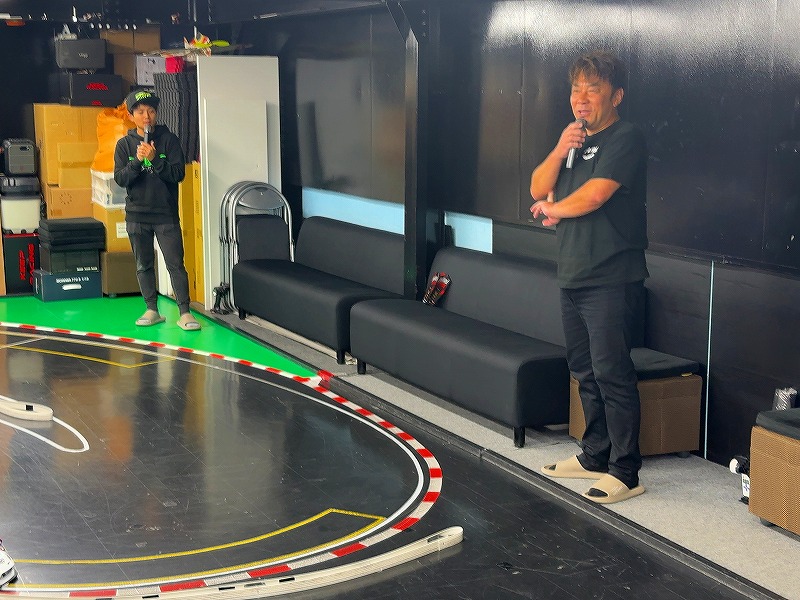
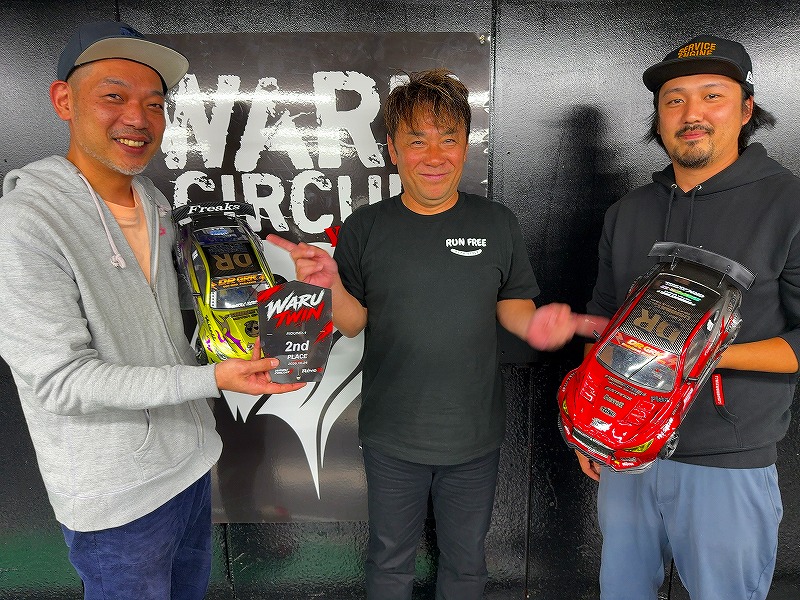
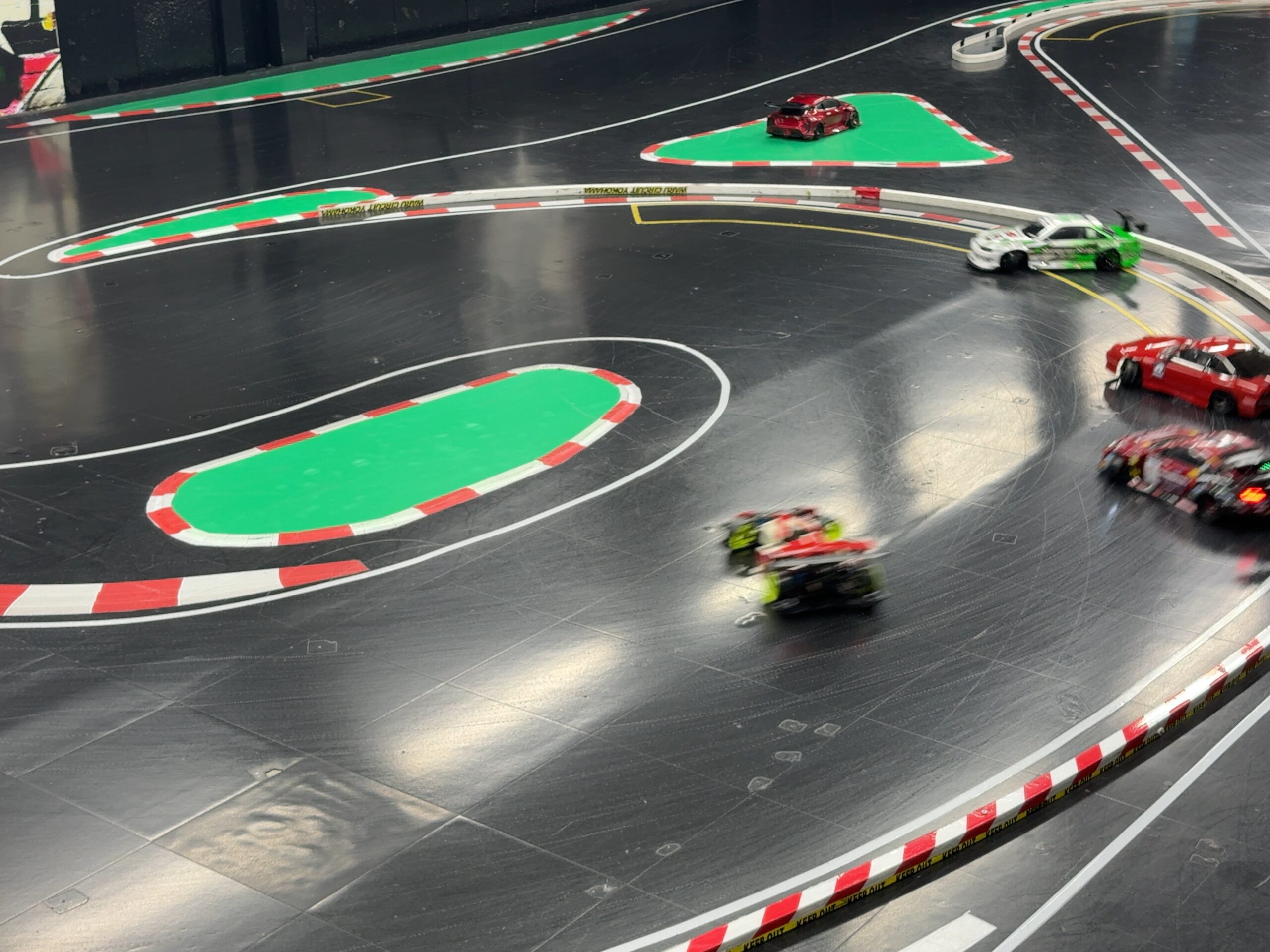
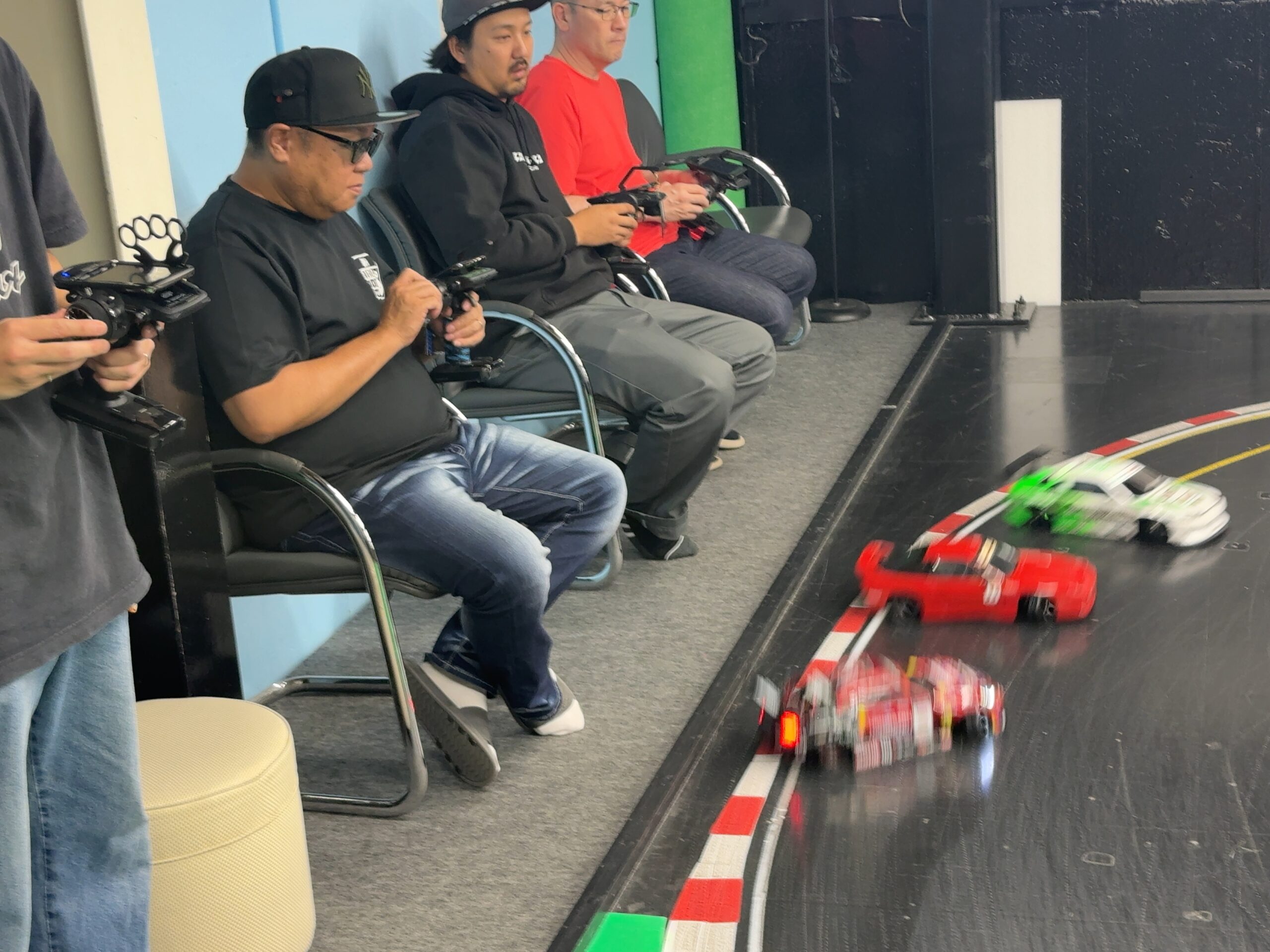
SHIBATA MEETING · October 17, 2026 · Event completed
Thank you to everyone who visited. Our thanks also to SHIBATA 221 for travelling to join us, and to SHIBATA advisers Makkashin and Sekiya. We look forward to seeing you next time.
WARU DRIFT JUDGE SYSTEM / TRIAL OPERATION
Automatic scoring.
Results you can see and hear.
One car at a time, from START through four scored sections. After a completed run, a Japanese female voice announces the total and each segment score.
WARU DRIFT JUDGE SYSTEM / TRIAL OPERATION
Understand your score. Aim for your next best run.
WARU DJS automatically detects runs, scores them and displays the results after initial setup. It is currently in trial operation. Aim for the lime-green reference car and its pink driving trace.
Scores announced aloud after a completed run
Since the October 22, 2026 update, a bright female Japanese voice automatically announces the confirmed total score, then 1SEG, 2SEG, 3SEG and 4SEG in order. Use the voice and on-screen scores to review your run.
Total → 1SEG → 2SEG → 3SEG → 4SEG
The announcement means: “Scoring complete! Your score is … points! Segment 1 … points!” followed by segments 2–4. Incomplete runs are not announced. Completed runs with insufficient angle confirmation are announced as 参考採点 (“reference score”).
During a run, the screen shows 採点中 (“Scoring”) and the current segment. After completion, it displays the total and segment scores. The current result card stays on screen for 10 seconds. An interrupted-run message clears after 3 seconds unless a new run takes priority.
Watch the 30-second real-run video with Japanese score announcements ↗
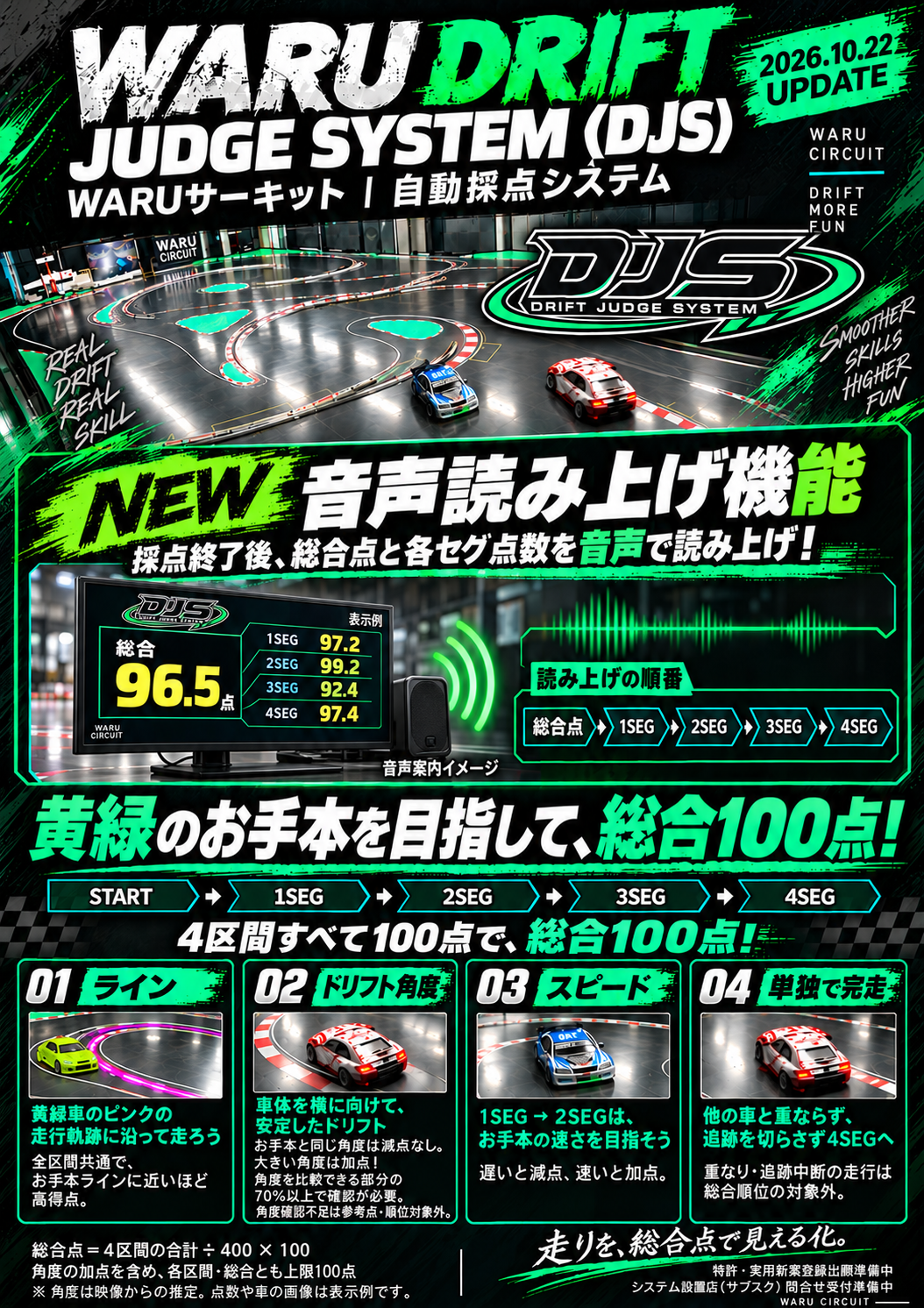
START → 1SEG → 2SEG → 3SEG → 4SEG
One car is scored at a time across four sections, from START to 4SEG. Every section has a maximum of 100 points; four 100-point sections give a total of 100.
01 · Line
Throughout the course, closer alignment with the lime-green reference car’s pink trace earns a higher score. Look at how the reference line links the corners.
02 · Drift angle
Matching the reference angle incurs no angle deduction; a larger angle adds points. Angle must be confirmed in at least 70% of the parts where comparison with the reference is possible. This is not 70% of the entire section. Angle is estimated from video.
A completed run with insufficient angle confirmation is shown as a reference score and excluded from the overall ranking.
03 · Speed
Speed is evaluated specifically between 1SEG and 2SEG. Slower than the reference loses points; faster gains points. Balance speed with line and angle.
04 · Complete a solo, uninterrupted run
Avoid overlapping other cars and keep tracking continuous to 4SEG. Runs with overlap or tracking interruptions are not eligible for the overall ranking.
How the total is calculated
Total score = sum of the four sections ÷ 400 × 100
Section scores and the total are capped at 100, including angle bonuses. Four scores of 100 total 400, giving 100 overall; four scores of 90 total 360, giving 90 overall. These are calculation examples, not actual run records.
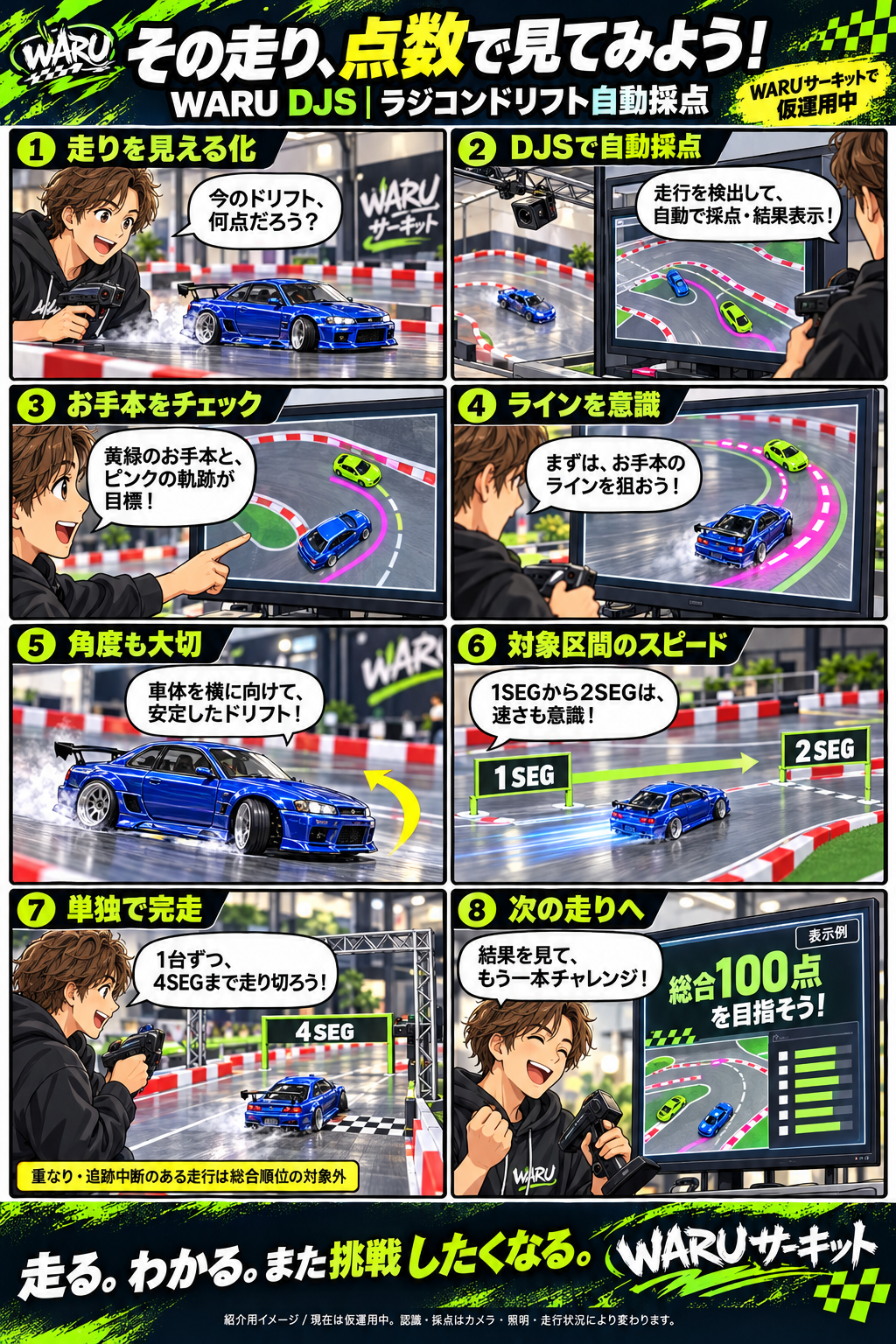
Results, TOP3 and the full-screen TOP20
Review the total score and TOP3, including car images and scoring timestamps. Use repeated runs to improve line, angle and speed in the evaluated section.
During darker periods with no cars running, the screen switches to full-screen TOP20 rankings. Places 1–10 and 11–20 alternate every 10 seconds, showing rank, score, car image, ID and timestamp. Normal scoring display returns automatically when lighting returns.
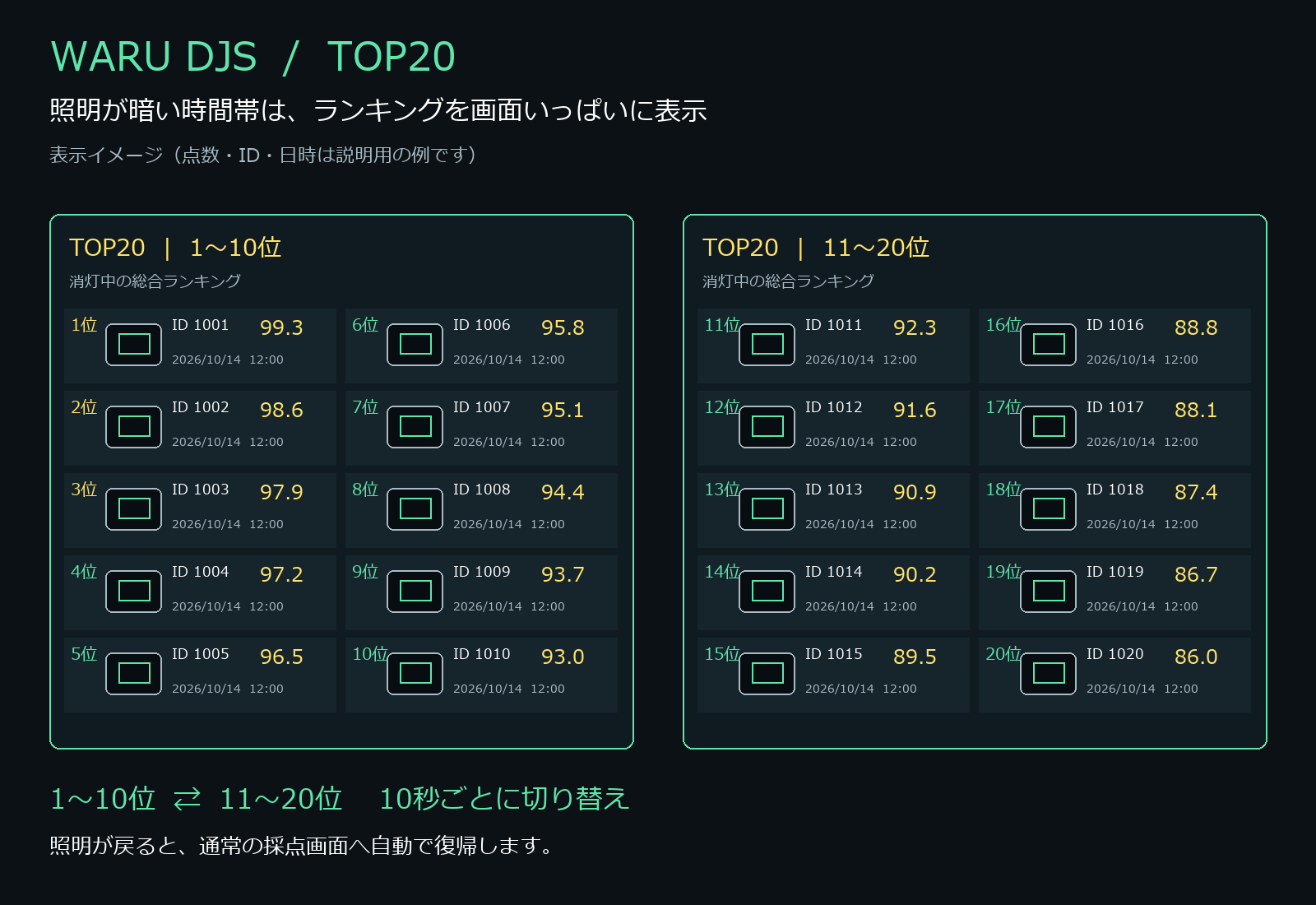
Operational improvements continue, including fixes for freezes during overlap handling and automatic cleanup of old scoring data while protecting high records.
Watch current DJS trial-operation live streams ↗. Use the player’s speaker button for sound; if playback does not start automatically, press Play. If a stream has ended, open the channel for the latest stream.
For circuit operators in Japan
A subscription service for circuits across Japan is being prepared. Launch date, pricing, supported equipment and installation conditions will be announced later. Patent and utility model applications, and subscription installation inquiries, are in preparation.
DJS is in trial operation. Recognition and scoring depend on the camera, lighting, cars and driving conditions. Check the latest announcements for current information.
FACILITIES / WARU CIRCUIT
Facilities
Enjoy driving. Relax between laps.
A comfortable indoor space for drivers, couples and families—even during a long visit.
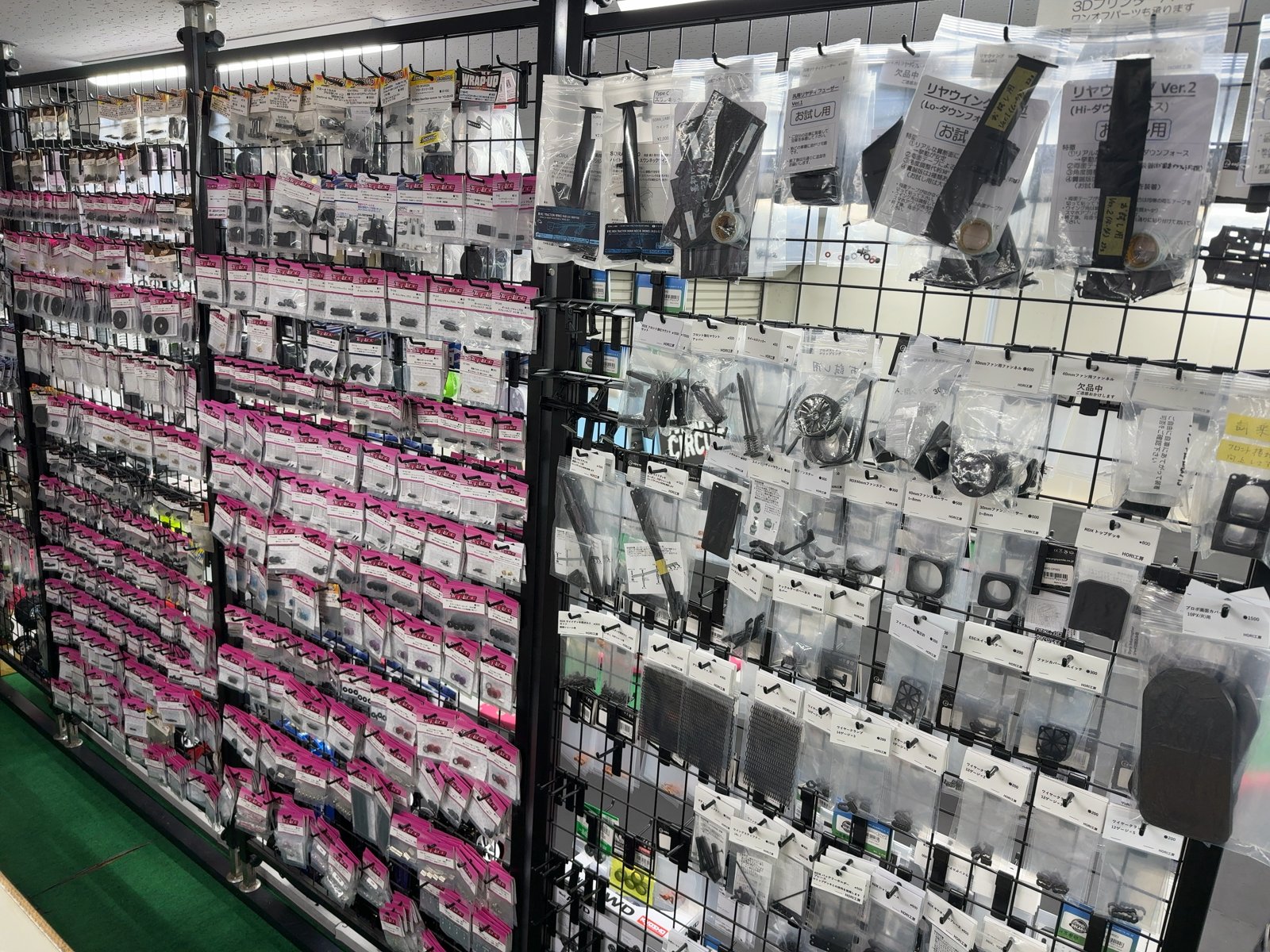
Parts right when you need them
On-site shop
Browse a wide range of RC parts in our on-site shop, including parts you may need during your session.
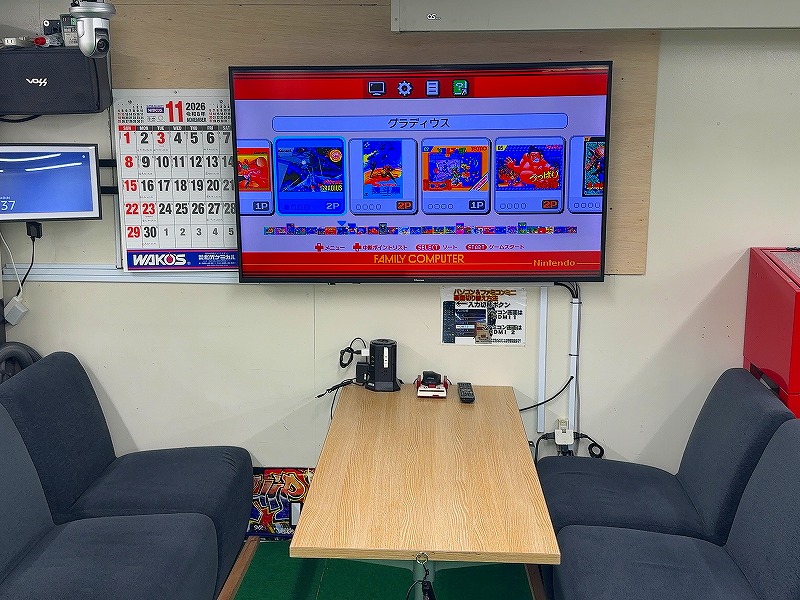
For couples and families.
Relax on the sofas.
Couples, children and families can relax on the sofas and enjoy games and internet access.
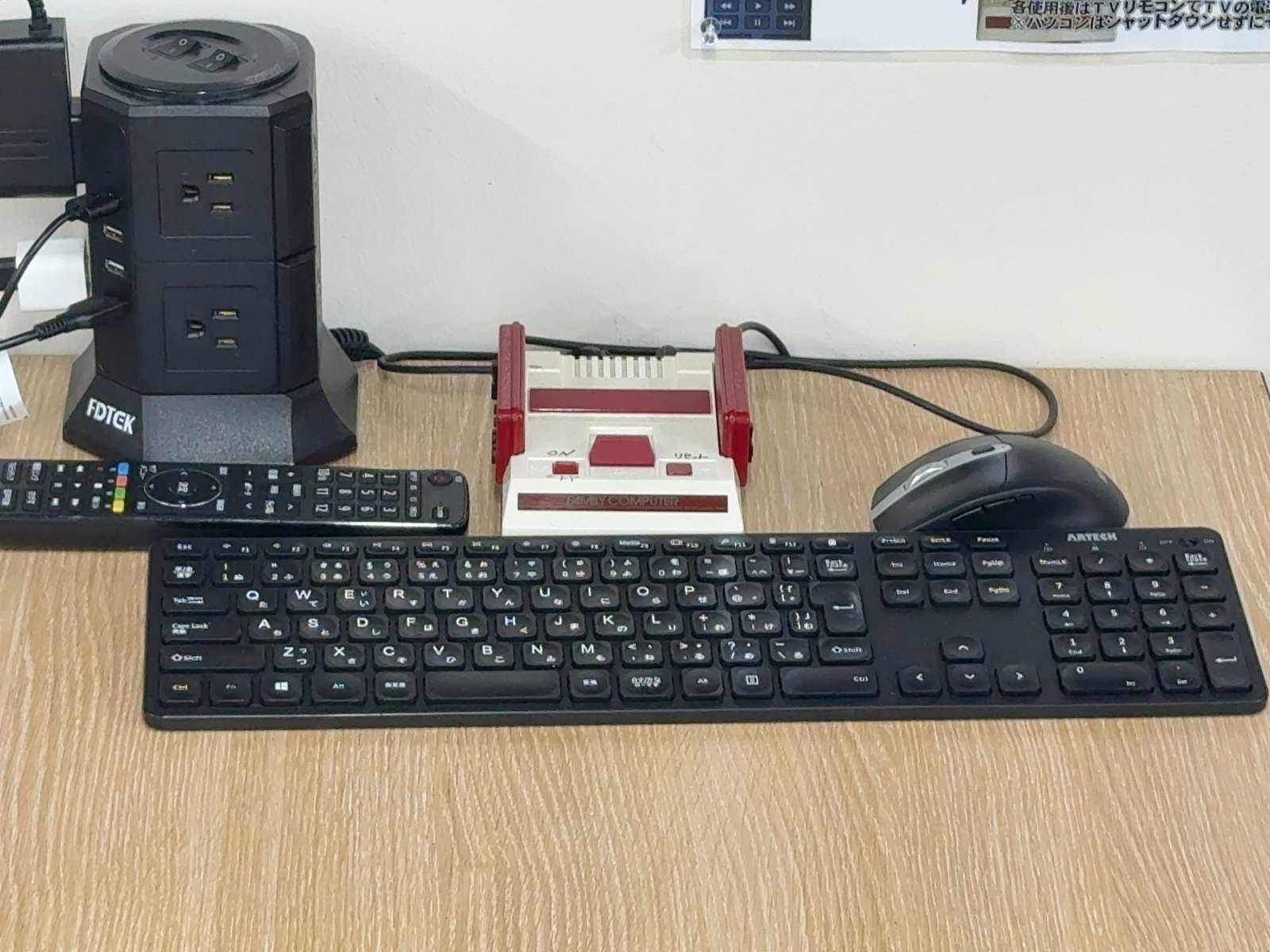
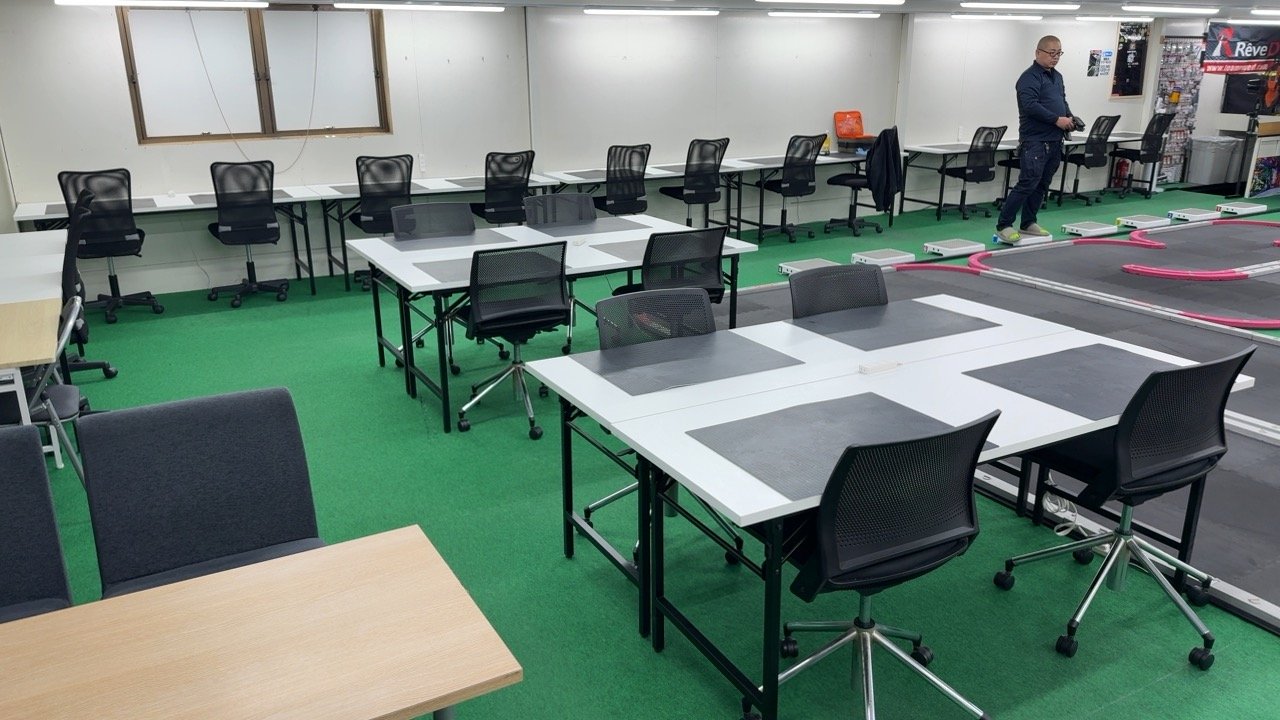
Thorough cleaning every day
A comfortable indoor space
We thoroughly clean every corner each day, keeping the pit tables and indoor space pleasant for longer visits.
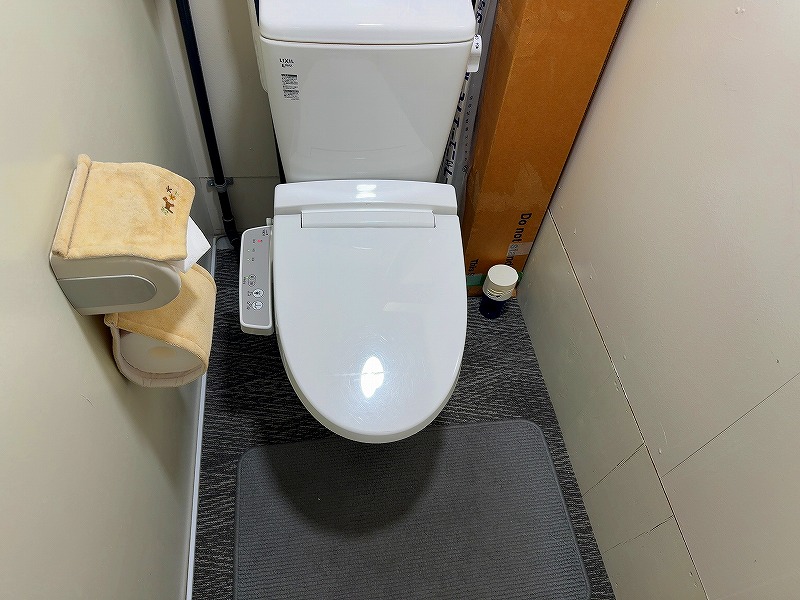
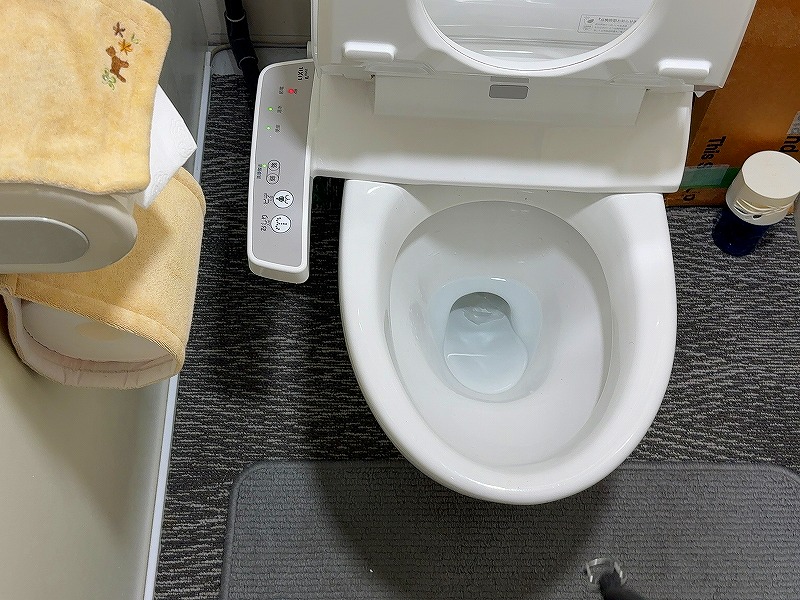
A clean, welcoming restroom
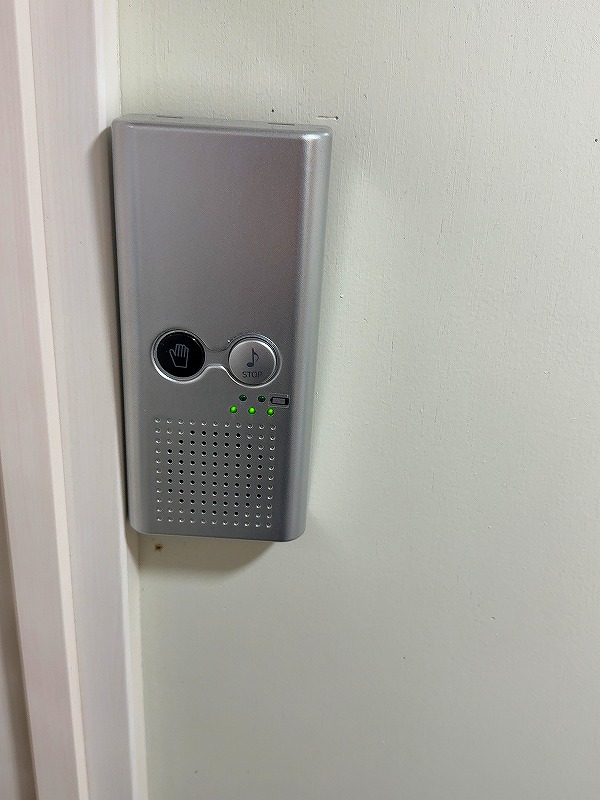
Motion sensors switch the lights on when you enter and off automatically after you leave.
We clean the restroom thoroughly several times a day, including hard-to-reach areas, to keep it clean and hygienic.
Motion-activated music adds privacy and helps women feel comfortable using the restroom.
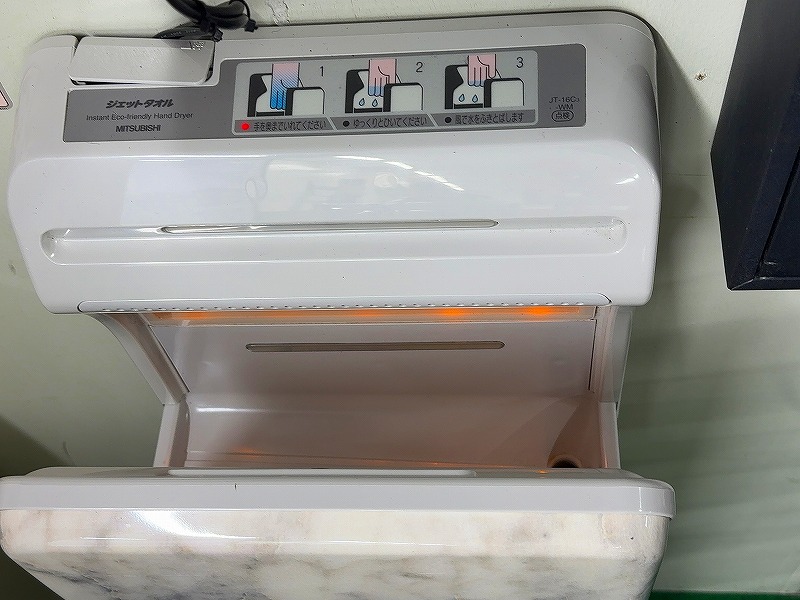
Warm-air hand dryer
A warm-air hand dryer is available for use after washing your hands.
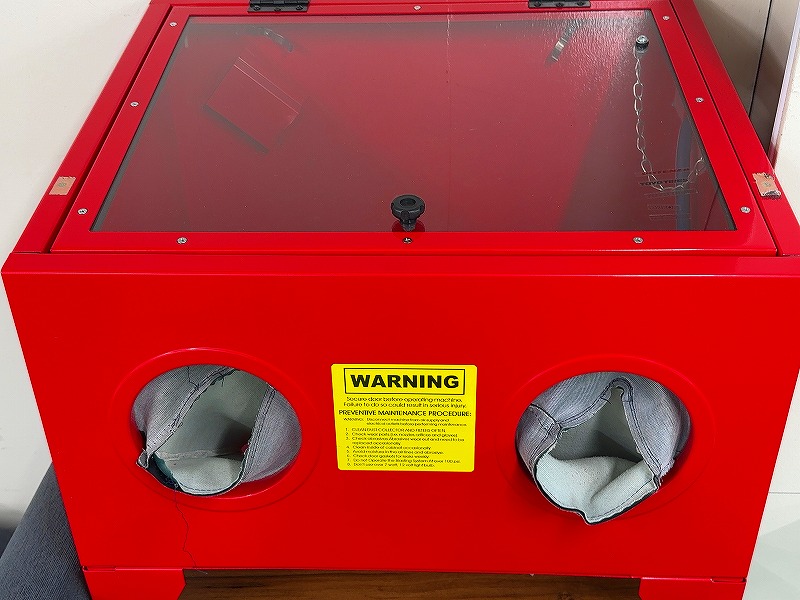
Dedicated Mini-Z
Air-blow cleaning station
Based on a large blast cabinet, this dedicated Mini-Z air-blow station removes dirt from your car using moderate air pressure.
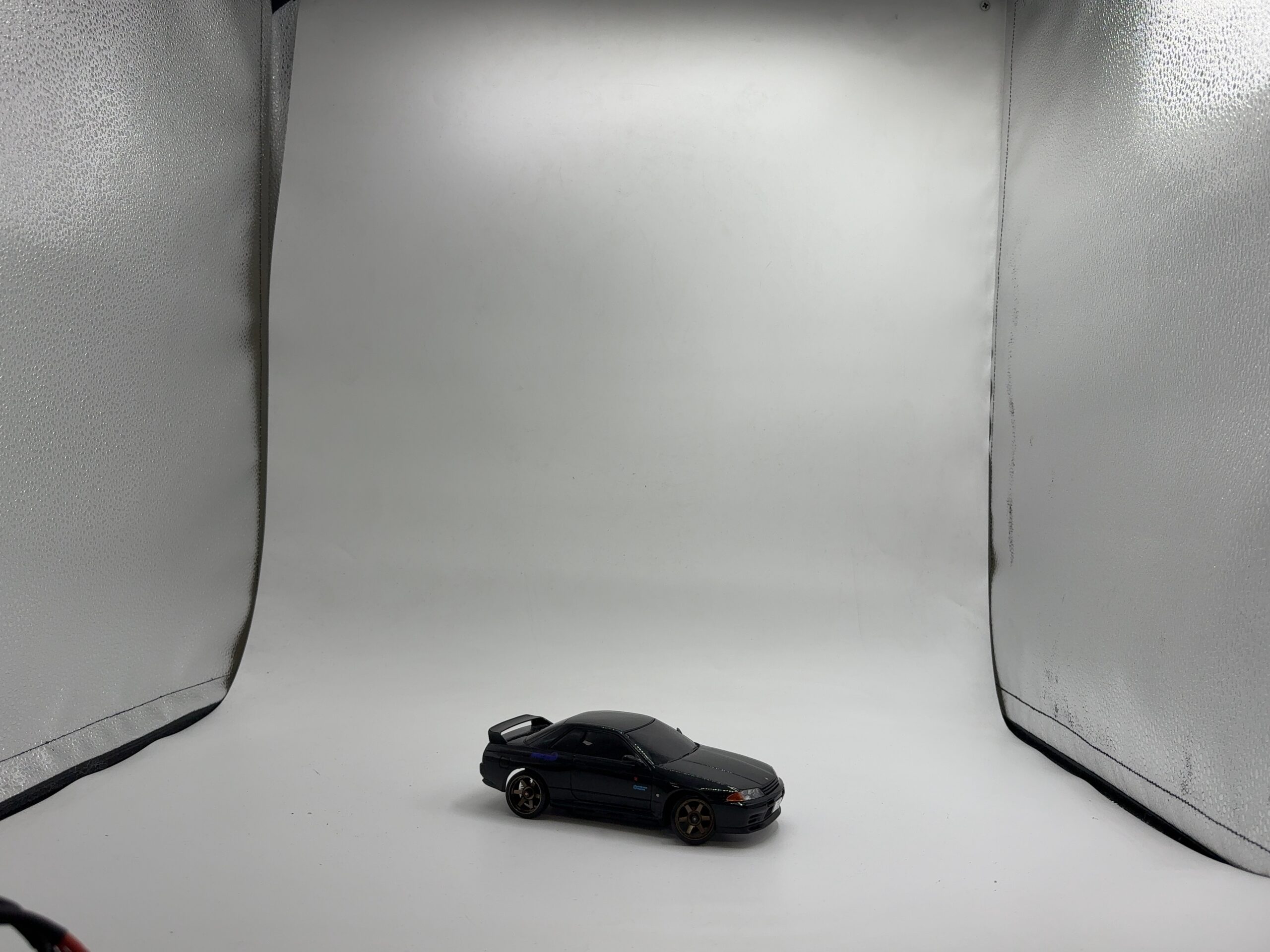
For cars and products.
Photo booth
A photo booth with a plain white background and bright LED lighting. Use it to photograph your RC car or products for online listings.
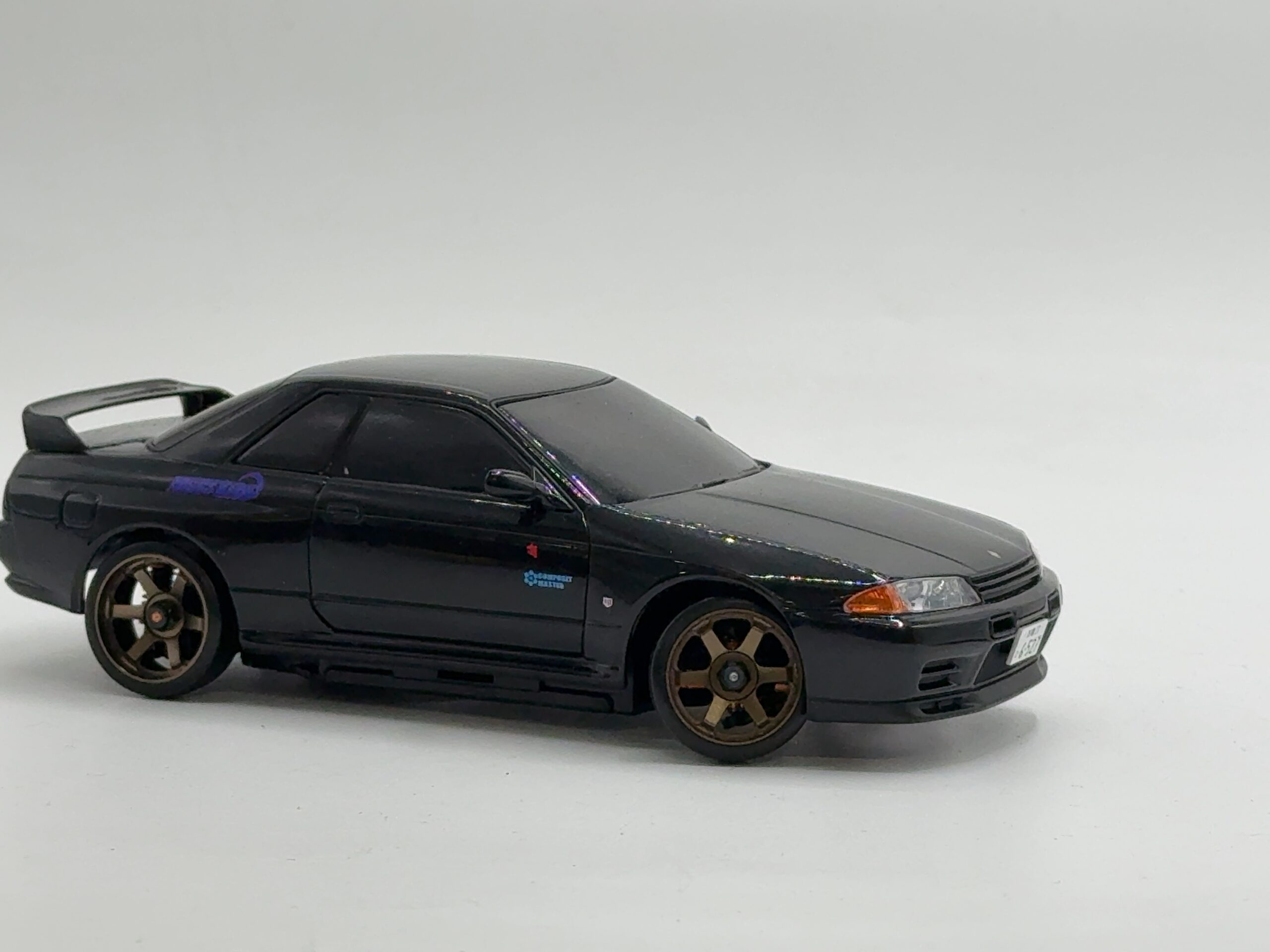
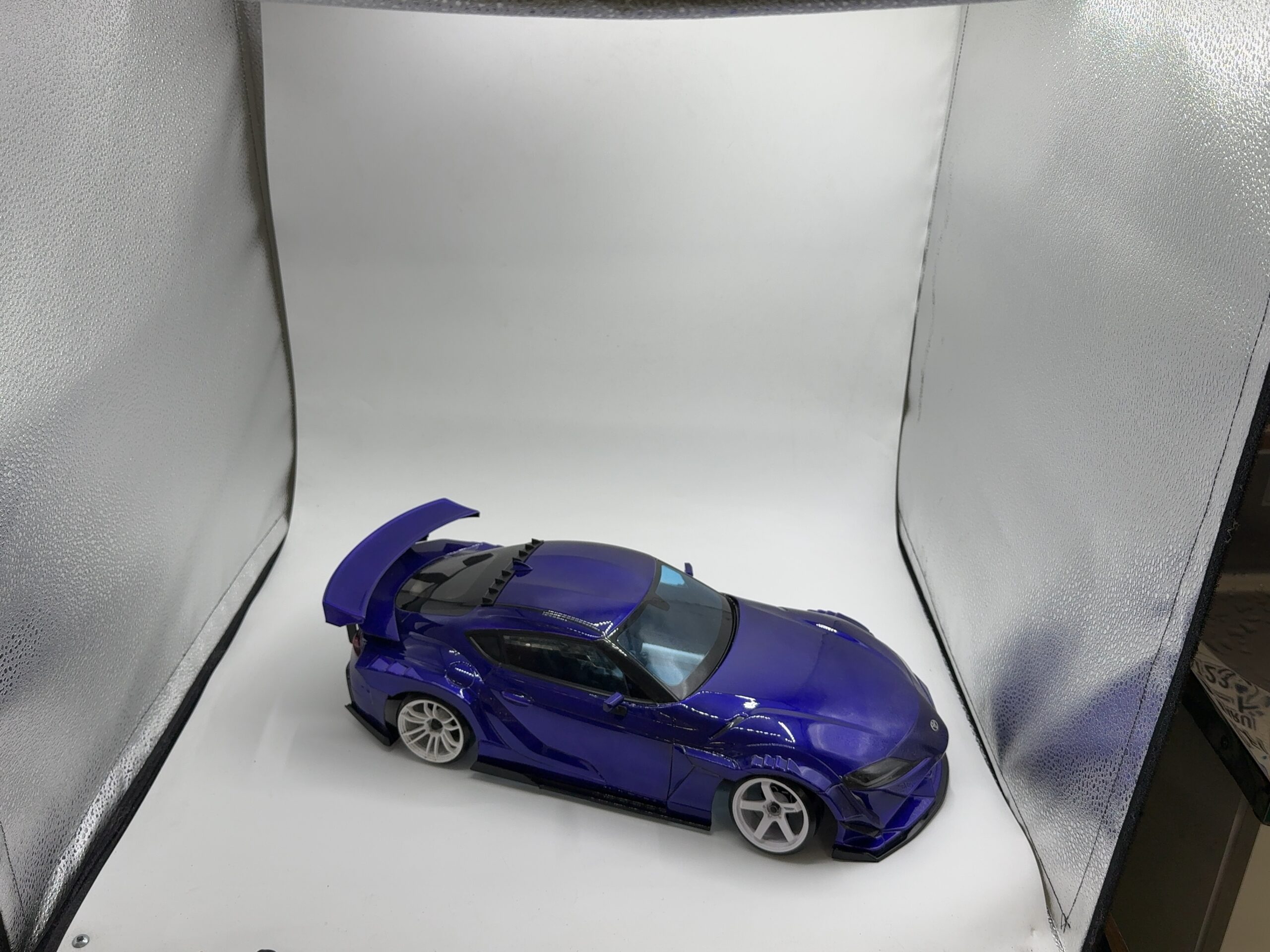
See your lap times at a glance.
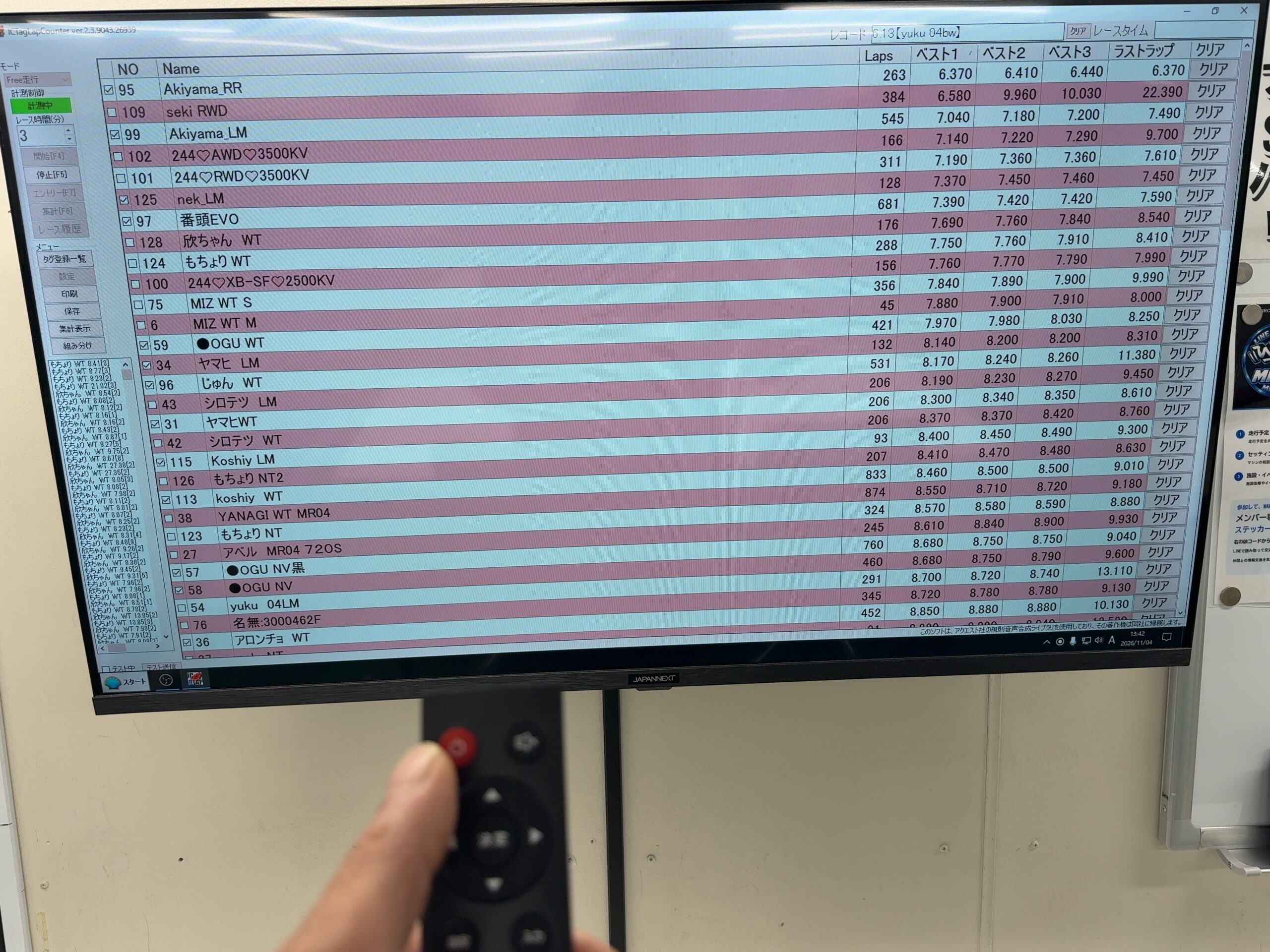
Mini-Z lap timing
A dedicated Mini-Z timing display is available. A 65-inch monitor in front of the driving positions lets you check your own lap times at a glance while driving.
01 / OUR CIRCUITS
Find your focus
in every lap.
Link your lines on the drift course.
Race small cars on the Mini-Z course.
Enjoy both at your own pace.
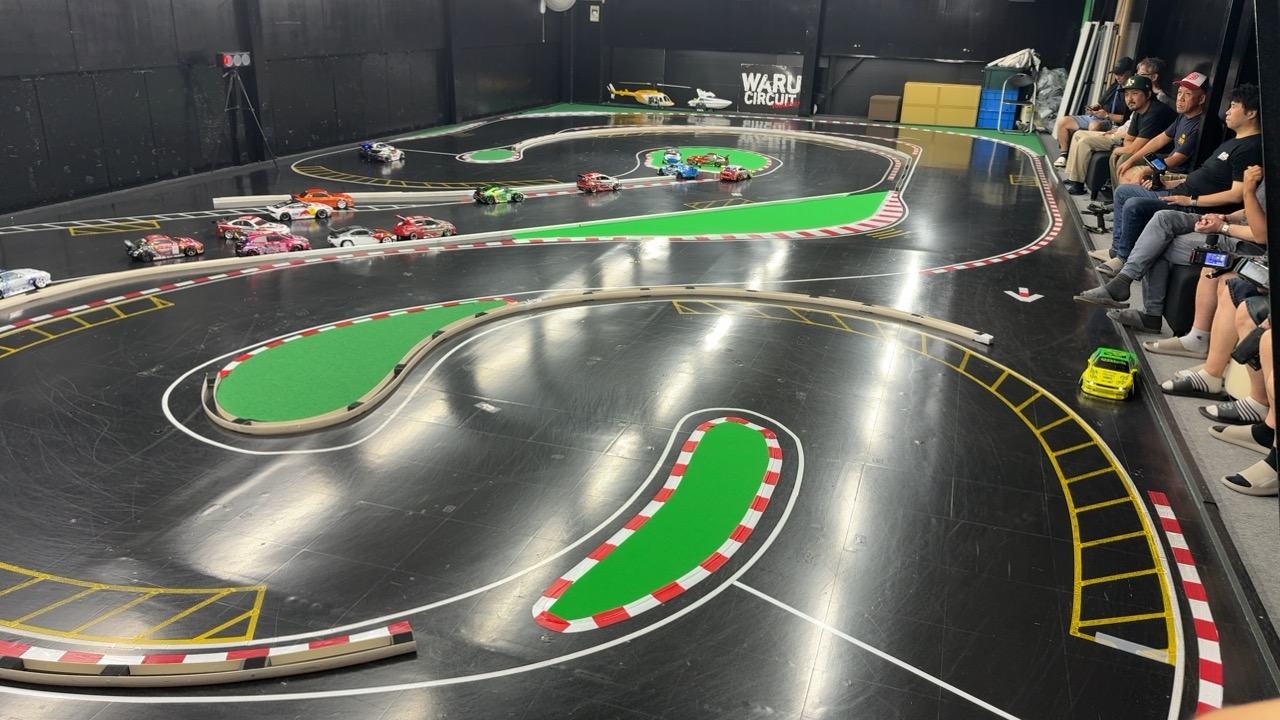
DRIFT
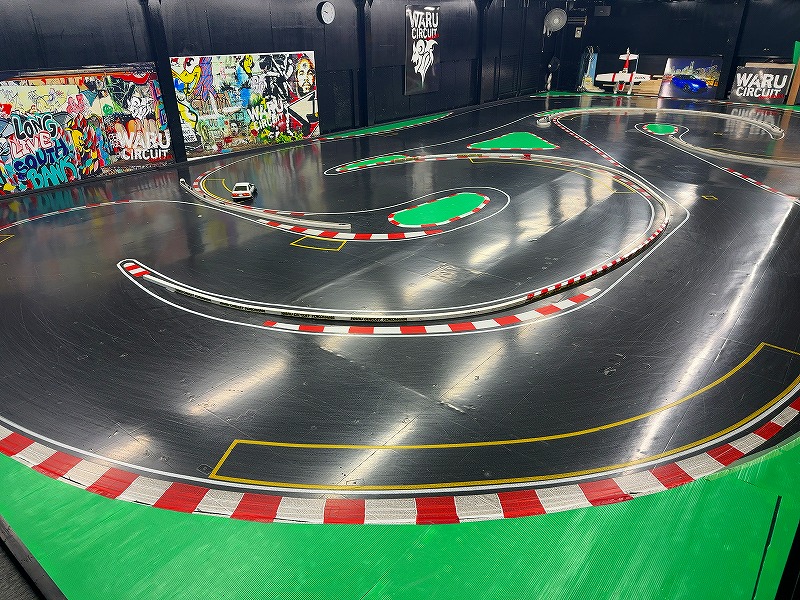
DriftAn RC drift course with a P-tile surface.
Practice your skills or drive with friends.
Required tires for the drift course
TOPLINE TDT-002PE / Rêve D AS-01
Please use one of these two tire models.
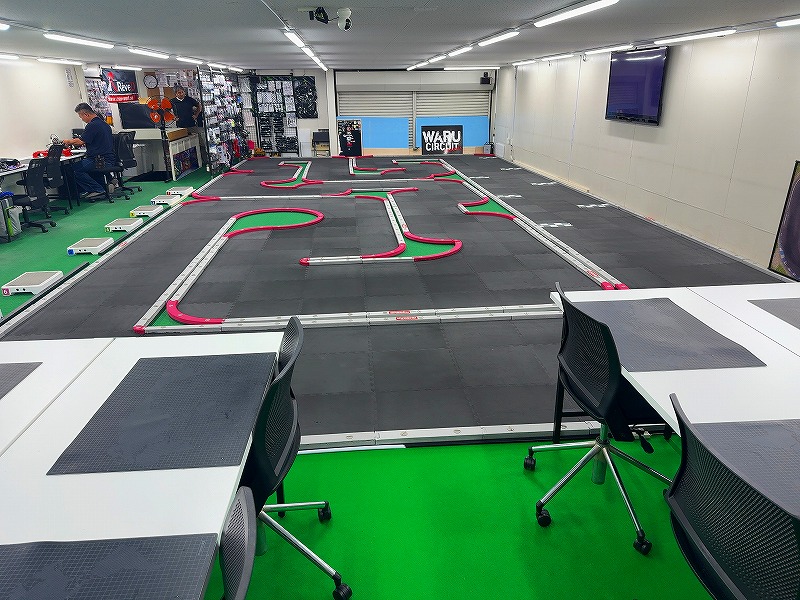
MINI-Z
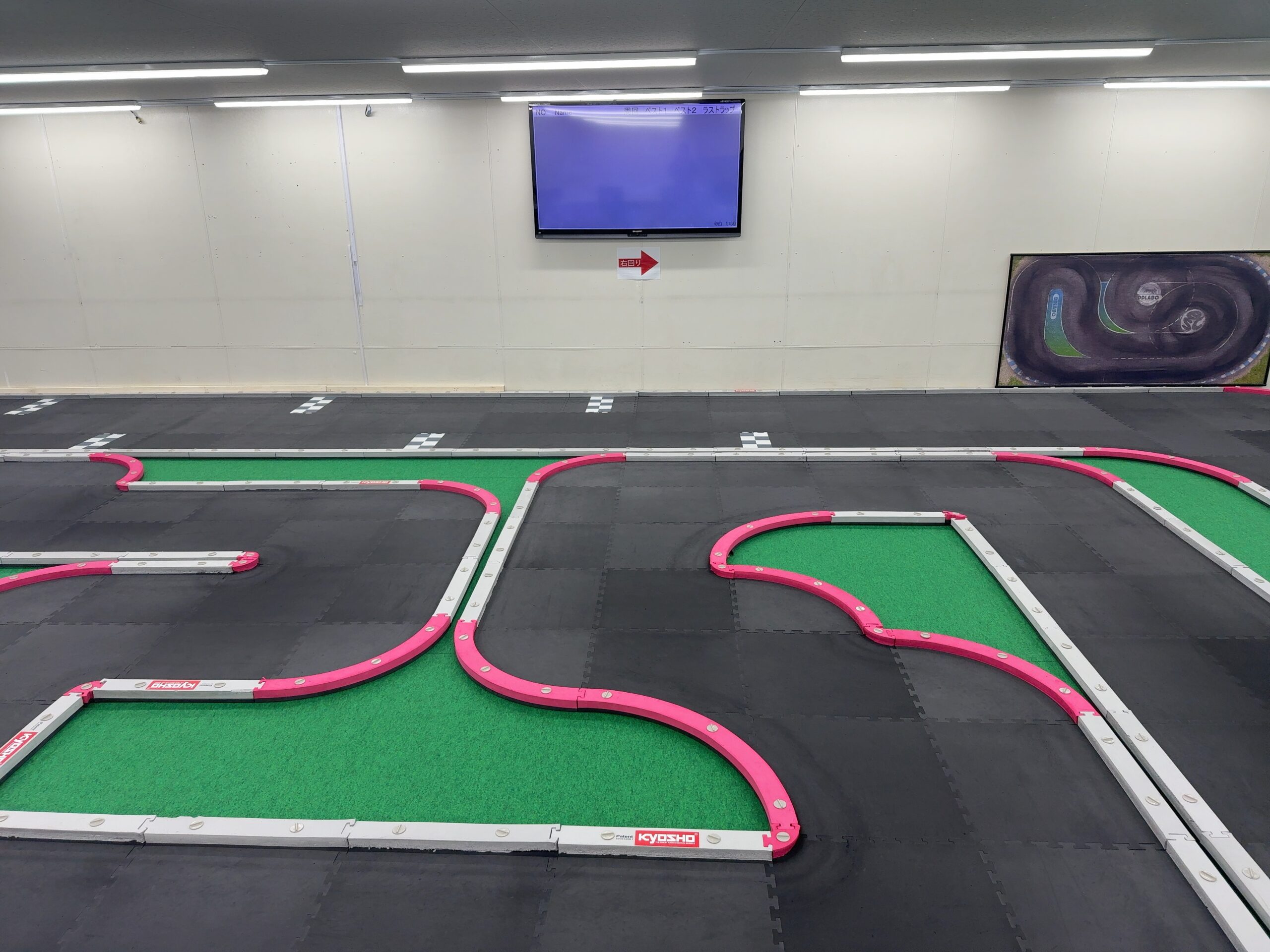
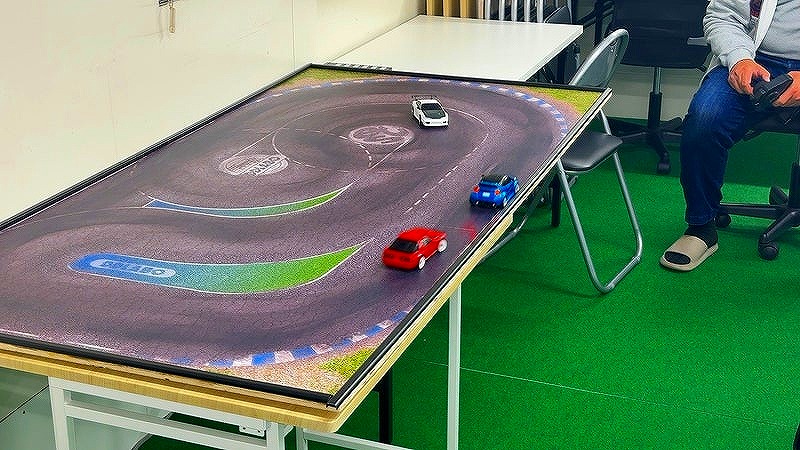
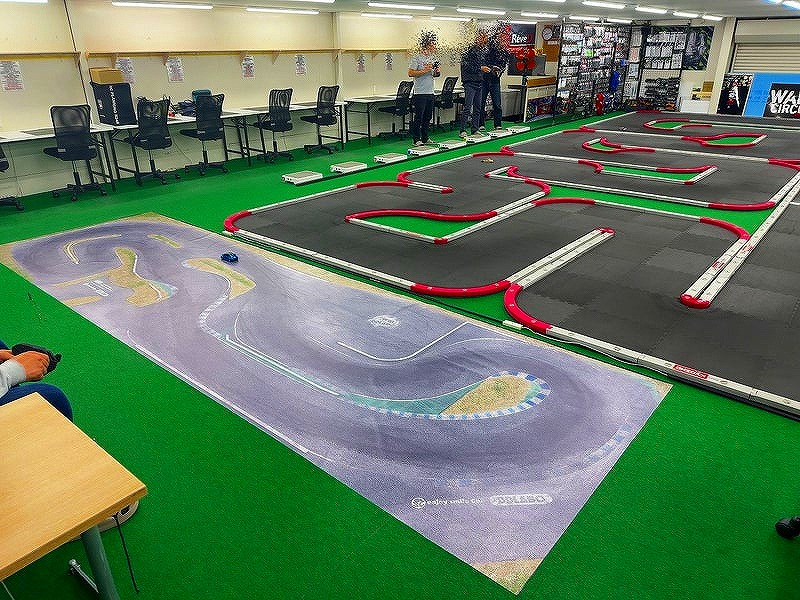
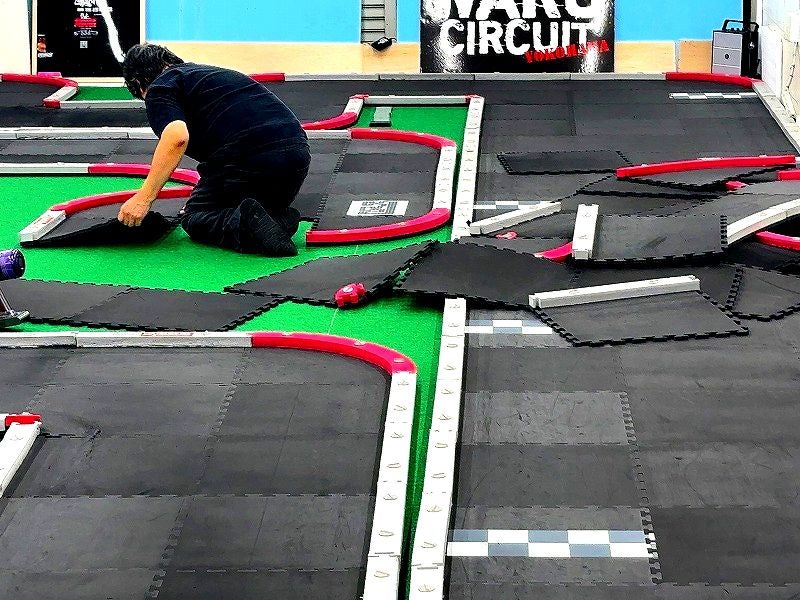
Mini-ZA permanent, full-size official KYOSHO MINI-Z CUP urethane course.
Each month, we change the layout to match officially published layouts for events at different venues. Ideal for race practice.
Even if you do not enter competitions, you can enjoy driving on official layouts at this dedicated Mini-Z course.
Watch your lap times and build your skills!
The floor beneath the urethane course is precision-leveled, with an additional carpet layer to create a flat driving surface.
From beginners to experienced drivers, everyone can enjoy the course to the fullest.
WARU JUDGMENT SYSTEM — Watch introduction ↗
Enjoy both Drift and Mini-Z,
then try realistic driving on a simulator!
LIVE / FROM THE CIRCUIT
Take a look at the courses right now.
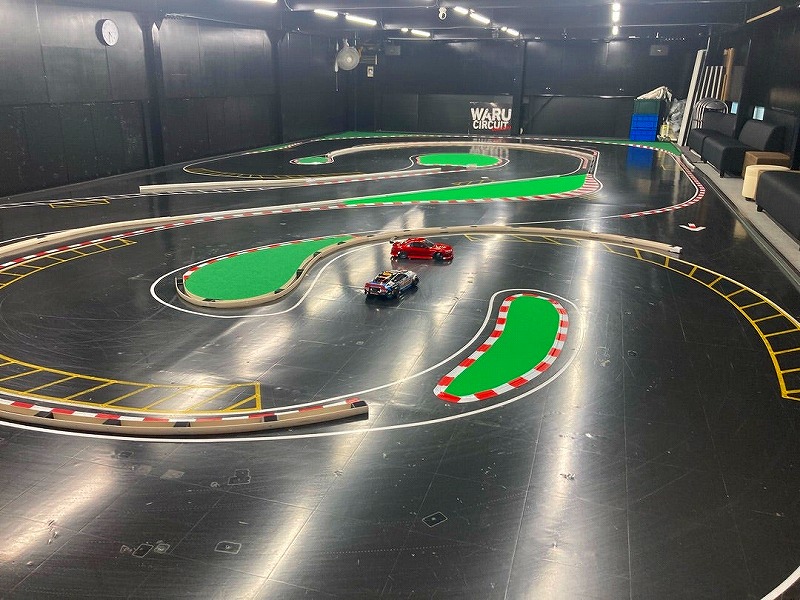 YouTube LIVE
Drift
View live streams
Watch live on YouTube
YouTube LIVEMini-Z course
View live streams
Watch live on YouTube
These images are course introduction photos. Check the linked YouTube channel for the current live stream.
MOVIES / WARU CIRCUIT
Experience the driving and atmosphere on video.
From course runs to cars and simulators: tap a thumbnail to watch.


Live driving and lap times
Mini-Z live coverage includes driving footage and lap times. Playback starts muted where embedded; enable sound with the player’s audio control, or press Play if autoplay does not start.
Open the Mini-Z live video ↗ · Latest Drift / DJS live streams ↗
If an individual stream has ended, use the corresponding channel’s live list for current broadcasts.
RACING SIMULATOR / DRIFT & GRIP
Drive solo.
Enjoy two-car sessions.
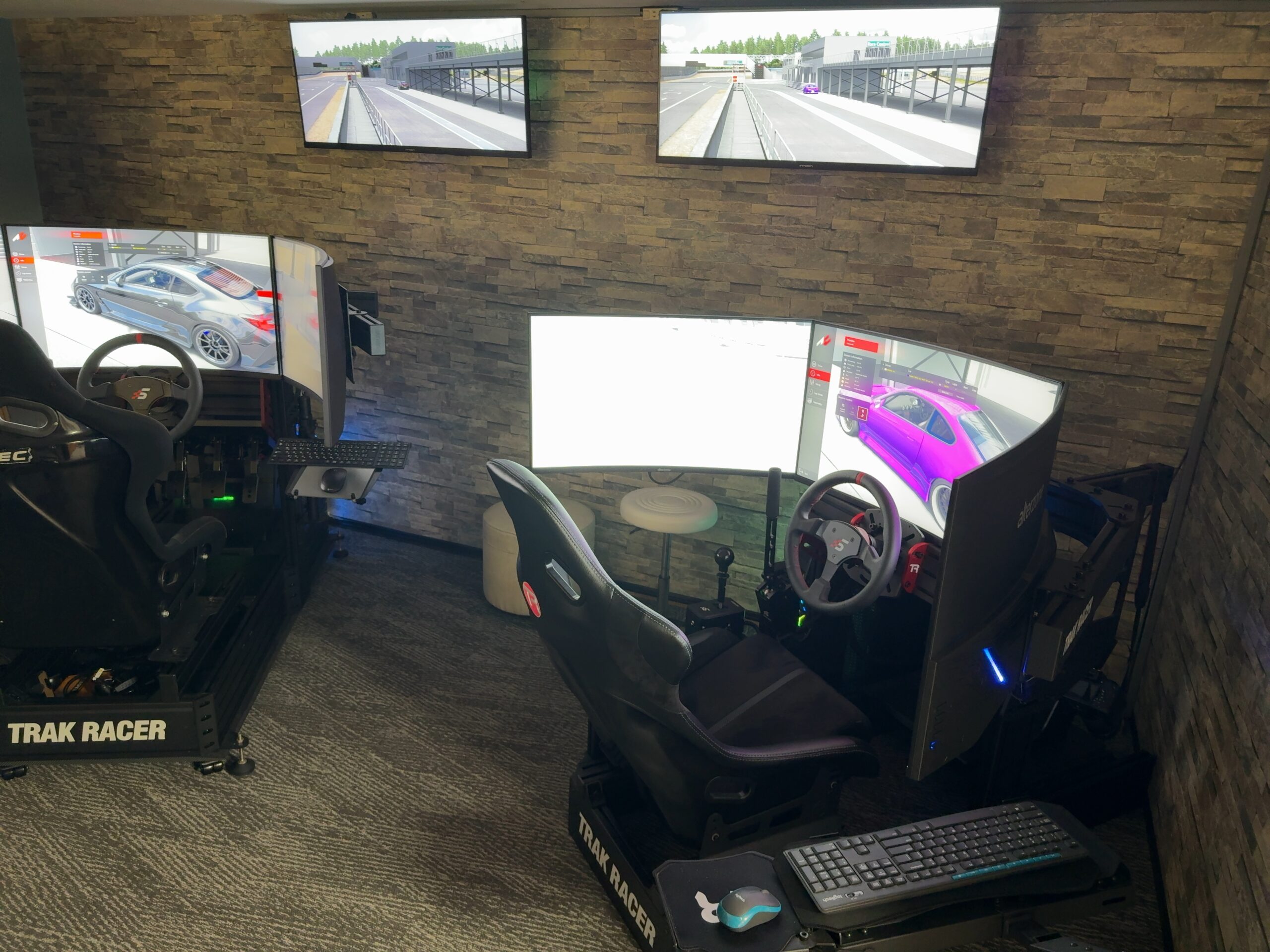
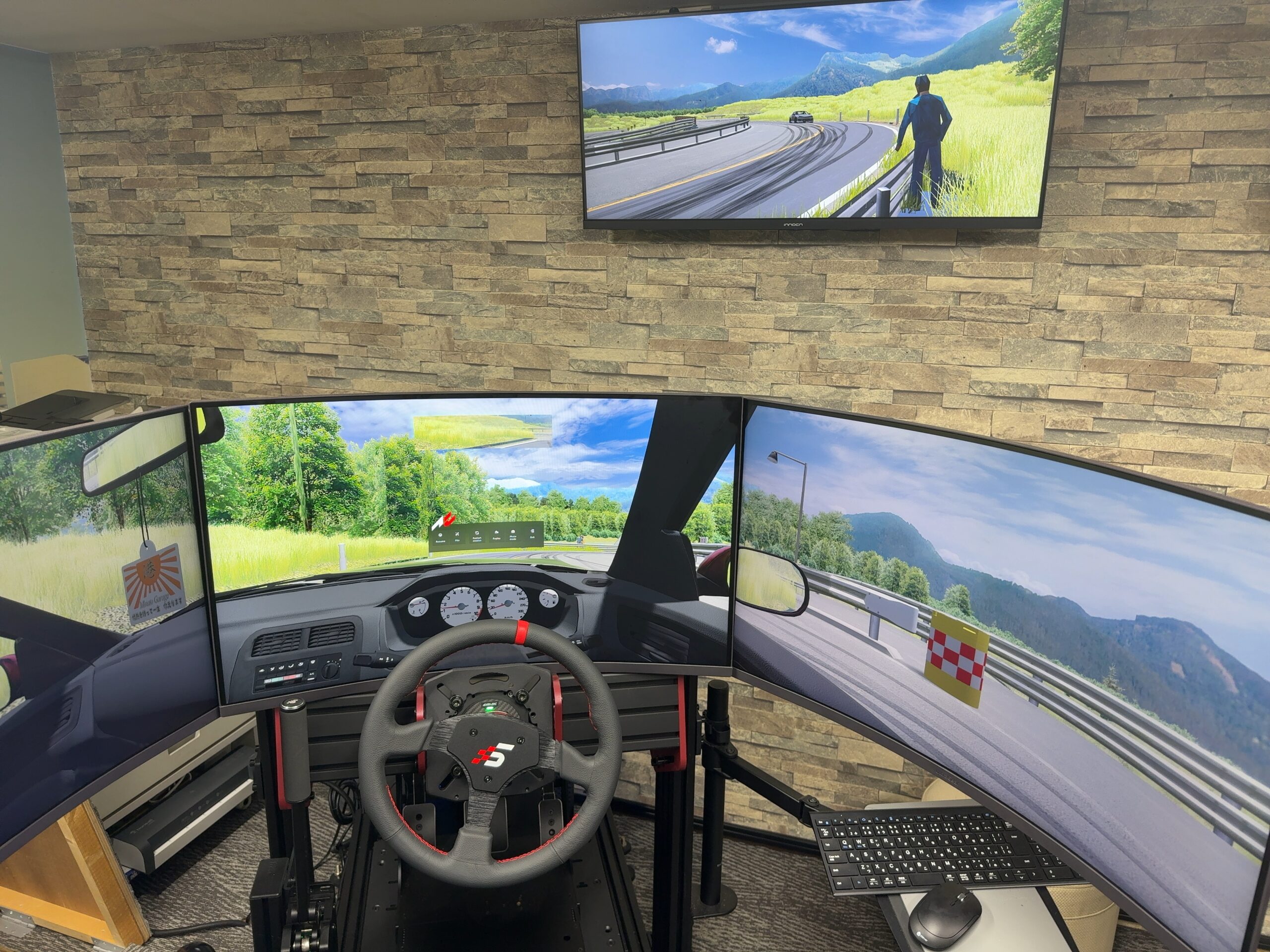
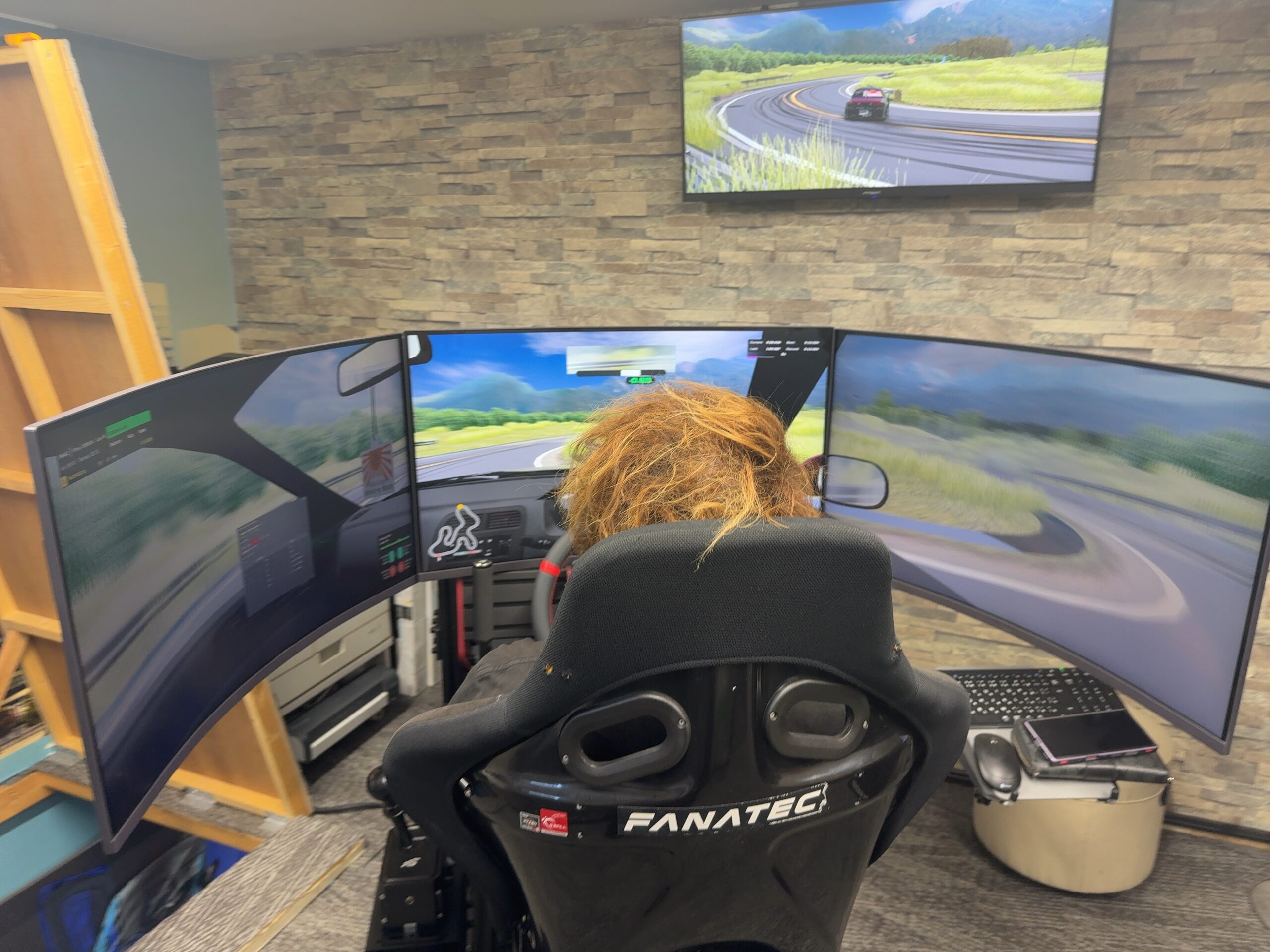
Two triple-screen simulators with steering wheels and pedals. Practice grip driving or drifting on your own, or join the same course for tandem drifting or two-car grip sessions.
11 a.m.–8 p.m. · Advance booking required
15 minutes · ¥1,500
3 minutes to prepare + 15 minutes to drive
18 minutes in total
The countdown begins when you press “プレイスタート” (Start Play). Use the first 3 minutes to adjust the seat and in-game viewpoint.
Choose your mode, car and course on screen. Check the remaining time as you drive. When time runs out, the session ends and returns to the mode-selection screen.
Book through the WORKS official LINE account: @uoy3020t. Please send your preferred date, time, number of drivers and driving mode.
Book via WORKS LINE →COMPLETE SIMULATOR GUIDE
From choosing a car to finishing your session.
SIM1 and SIM2 follow the same basic steps. Choose a mode, car and course on screen, then drive using the steering wheel and pedals. Cars, courses and available options can vary by seat and mode. The Japanese labels below match the controls on the actual equipment.
1. Choose how to play
Illustrated guide; these are explanations, not working controls.
| ひとりで走る Drive solo | Start a one-car practice session. Next, choose ドリフト (Drift) or グリップ (Grip). |
|---|---|
| ふたりで遊ぶ Two drivers | Join the same course from two seats. Choose tandem drifting or two-car grip driving on the next screen. |
| もどる Back | Return to the previous selection screen. The usage countdown has not started during these selection steps. |
| 電源を切る Shut down | Selecting はい (Yes) in the confirmation shuts down that seat’s PC. Follow the venue’s instructions after playing. |
| 閉じる Close | Close the mode menu itself. This is separate from starting or ending a driving session. |
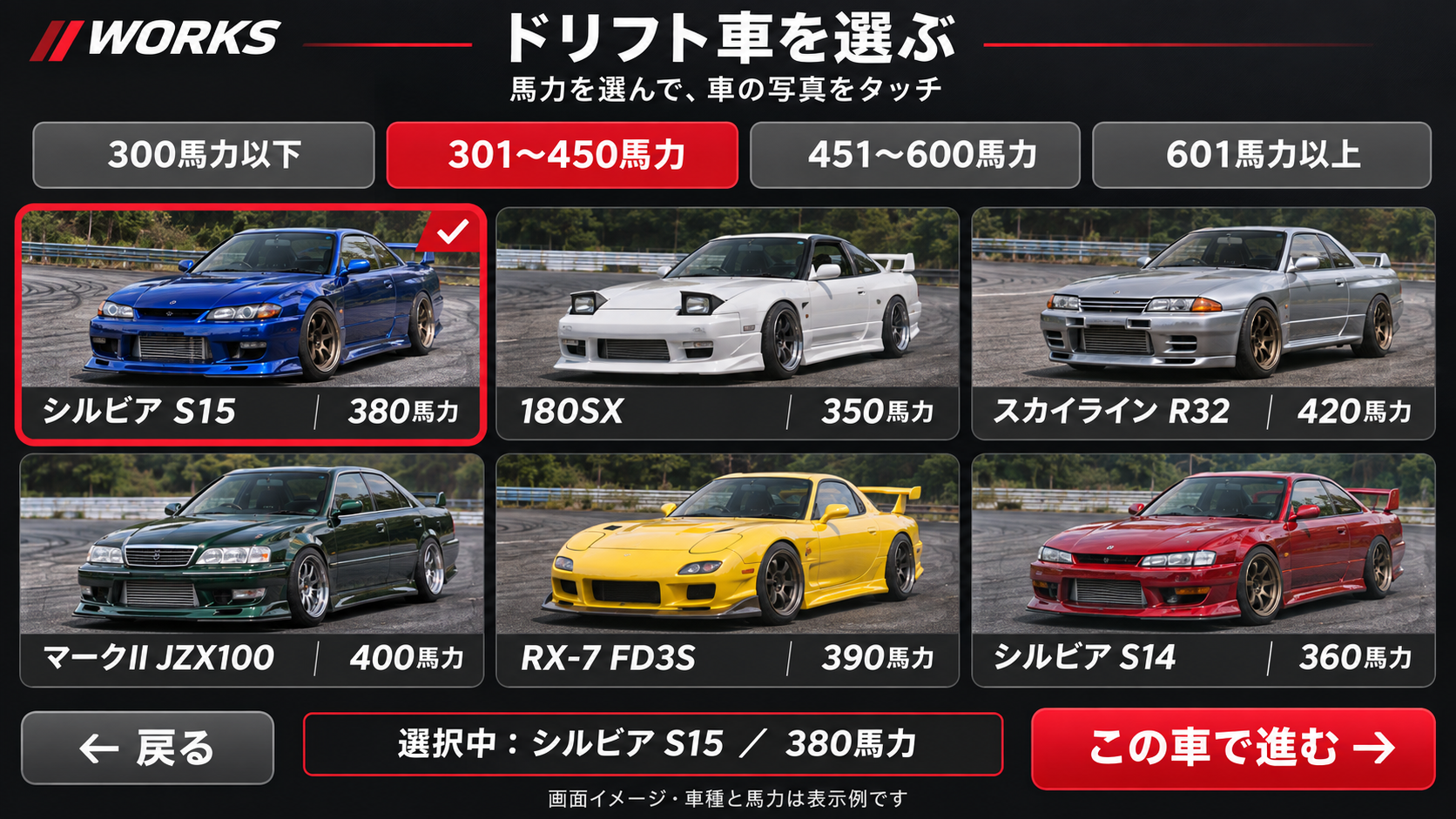
2. Drift: choose a car by horsepower
- Select a horsepower category: 300 hp or less; 301–450 hp; 451–600 hp; 601 hp or more. 馬力未確認 means horsepower unverified.
- Click a Japanese car’s photo. Check the red selection border and selected car name.
- Press この車で進む → (Continue with this car), then choose a course.
Up to six cars appear per page. Use ◀ / ▶ for more cars. Continue is unavailable until you select a car. Horsepower is the installed car’s registered value, displayed as an integer; specifications can differ even for the same model. Lower horsepower does not necessarily mean easier handling.
For grip driving, use the car and course drop-down lists described below.
3. Press プレイスタート (Start Play) once
Wait for the driving screen to load. Do not click repeatedly. If 準備中 (Preparing) or 反映待ち (Waiting for changes) appears, wait until preparation is complete.
15 minutes ¥1,500 + 3 minutes to prepare = 18 minutes total.
The countdown starts when you press Start Play, including loading, seat adjustment and viewpoint adjustment.
Use the first 3 minutes to get comfortable
Wait for the driving screen, adjust the real seat first, then adjust the in-game viewpoint. Keep the car stopped while making adjustments. You do not need to start a second timer after preparing.
Slide the real seat forward or backward
Choose a position where you can fully press the pedals without locking your knees, with a little bend in your elbows while holding the wheel. Make sure the seat is secured after adjusting it.
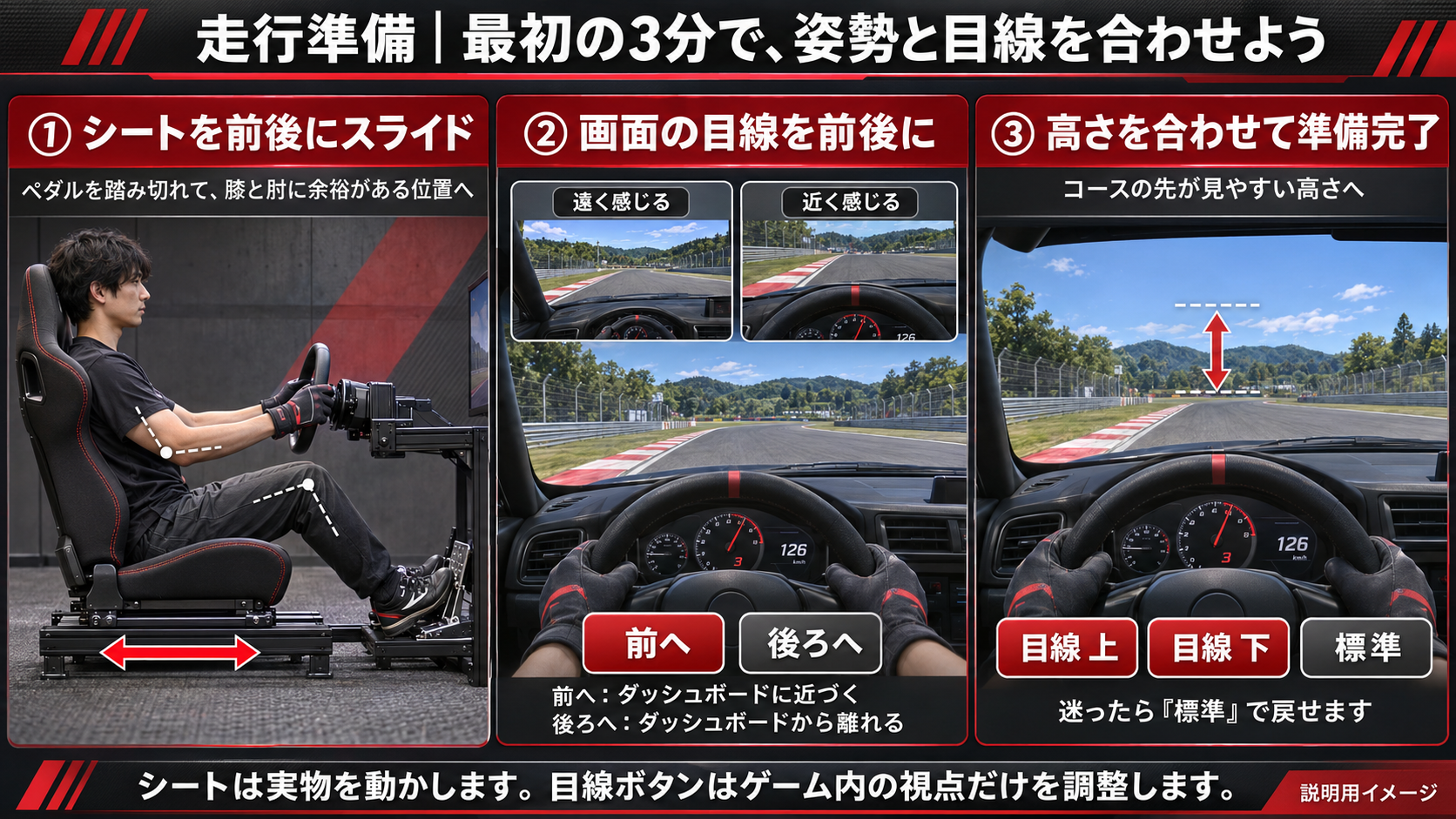
| シート・目線の調整 Seat / viewpoint | Open this panel at the lower left of the driving screen. |
|---|---|
| 前へ / 後ろへ Forward / Back | Move the in-game viewpoint forward or backward by 2 cm per press. If the dashboard looks too far away, try Forward; if too close, try Back. |
| 目線 上 / 目線 下 View up / View down | Move the in-game viewpoint up or down by 2 cm per press. Adjust gradually so you can see the course ahead clearly. |
| 標準 Default | Restore that car’s default viewpoint if your adjustments make the view difficult. |
| The real seat | Screen buttons do not move the physical seat or change its height. Adjust the real seat manually for comfortable pedal reach. |
These viewpoint controls work independently at each seat, including two-driver sessions. They do not change the other driver’s view. Once comfortable, check your surroundings and move off slowly.
Grip driving: cars, courses and lap times
Practice braking and cornering, then compare your lap times. Choose the car and course from the drop-down menus. The listed options are:
- Cars: GR86(青)ノーマル風 — blue GR86, stock-style; R35 GT-R NISMO; シビック タイプR FD2 — Civic Type R FD2.
- Courses: 袖ケ浦フォレストウェイ — Sodegaura Forest Raceway; 富士スピードウェイ(本コース) — Fuji Speedway main course; 筑波サーキット(2000) — Tsukuba Circuit 2000.
Reading the driving information
| GEAR | Current gear. N means neutral; numbers are forward gears. |
|---|---|
| km/h | Current vehicle speed. |
| 回転数 rpm | Engine speed, separate from vehicle speed. |
| 気温 / 湿度 | Temperature and humidity inside the simulation, not the room. |
| LAP | Elapsed time of your current lap, shown as minutes:seconds.thousandths. |
| BEST | Fastest valid lap in the current session, displayed in yellow. |
| Five LAP history rows | Your most recent five laps, not a five-lap total or a “best five laps” result. 無効 means invalid; invalid laps do not count toward BEST. |
| –:–.— | No time has been recorded in that field yet. Complete a lap to create a record. |
Suggested gear
The green 推奨ギアの目安 ○速 is a suggested gear. GEAR shows your actual current gear. For example, GEAR 3 with a suggestion of 2速 means you are in third and the guide suggests second.
This is an experimental estimate based on course shape and car information. It does not shift automatically or guarantee the fastest gear or a safe cornering speed. Judge the car’s speed and the corner ahead.
Course map and driving guide
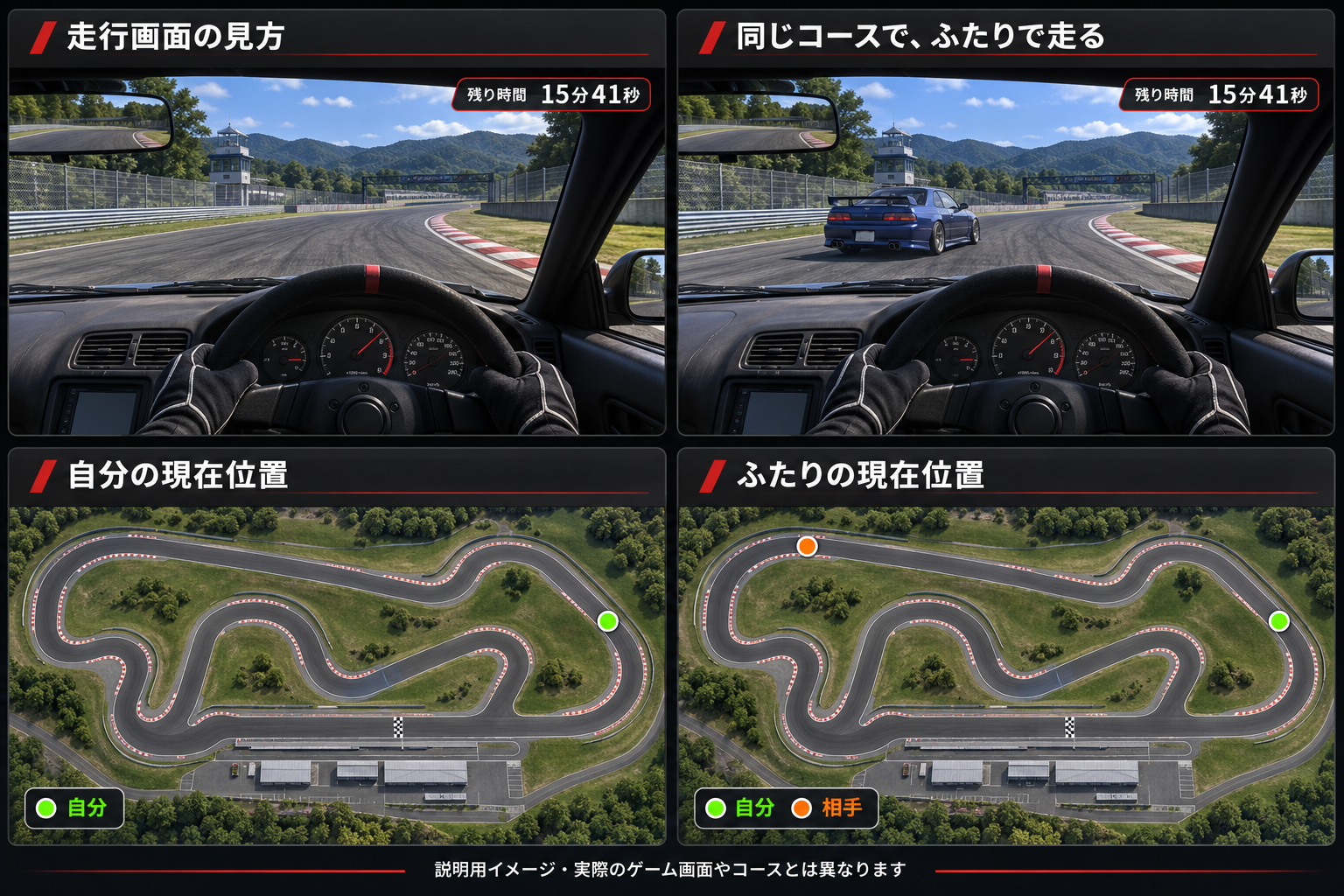
Dots can overlap when cars are close. Use the map for orientation and keep looking ahead.
走行ガイドON (Driving guide ON) enables a suggested road line, braking colors and suggested gear. Use them as references, slow sufficiently before corners and adapt to the car’s response.
Below the map, 走行ガイドON/OFF and 推奨ラインON/OFF show guide and suggested-line status. On the toggle button, ON/OFF means currently ON, press to turn OFF; OFF/ON means currently OFF, press to turn ON. Stop the car before operating controls. The map and LAP/BEST timing still work with the guide off.
Drifting: solo practice and tandem runs
Control a sideways slide with steering and throttle. First test the car’s reactions at low speed, then practice once you are familiar with the course and controls. Japanese cars are selected from horsepower categories and photo lists.
The lower-left panel provides course recovery, restart, end play, pit and seat/viewpoint controls. For tandem drifting, follow the two-driver steps below and agree who will lead and follow.
Two drivers on the same course
- At both SIM1 and SIM2, select ふたりで遊ぶ (Two drivers). Starting solo will not put you in the same session.
- Choose the same discipline: ドリフト / ふたりで追走 (Tandem drift), or グリップ / ふたりでレース (Two-car grip).
- Choose your own car at each seat. Cars do not have to match. Drift uses horsepower category → photo → この車で進む. Available choices may differ from solo mode.
- Agree on a shared course. The course is common to both seats.
- When both seats are ready, each driver presses プレイスタート. Each seat’s timer starts independently.
Tandem drift
Agree who leads and follows. Start with comfortable speed and spacing, then swap roles. Each person drives their own car; you do not control the other person’s screen.
Two-car grip
This is simultaneous driving with independent starts. The venue menu does not provide a synchronized start signal or judge winners and standings. Distinguish in-game positions and lap times from the venue’s usage countdown.
Waiting for shared settings
走行終了後に共通コース・車を反映します means “Shared course/car settings will be applied after the current drive ends.” Wait for the other driver to finish and for the ready indication before starting. Do not repeatedly press buttons.
In grip mode, green on the map is your car and orange is the other driver. Check spacing before moving off. Different Start Play times mean different finish times. Ending one seat’s session does not stop the common server or the other seat.
Driving controls and the countdown
Controls are at the lower left of the driving screen. Stop the car before using them.
| コースへ復帰 Recover to course | Solo mode only: return, stopped, to a previously recorded position on the course before you went off. If no suitable position has been recorded or the environment does not support it, only a message appears. It is unavailable in two-driver online sessions. |
|---|---|
| リスタート Restart | Solo: restart the driving session. Two drivers: return your own car to the pits. Neither resets your usage countdown. |
| ピットへ Return to pits | Return your own car to the pits, rather than the pre-off-track position. The countdown continues. |
| プレイ終了 End play | End your current drive and return to the initial mode-selection screen. After pressing it, allow a few seconds for the change; repeated clicks are unnecessary. |
Time remaining and automatic finish
The total 18 minutes includes 3 minutes of preparation and 15 minutes of play. The timer begins with Start Play and continues during preparation, driving, pit visits and restarts.
At zero, the screen displays プレイ終了 お疲れ様でした (“Play finished. Thank you!”), ends the drive and returns to the initial mode-selection screen. In two-driver mode, each seat ends according to its own start time; the shared server is not stopped.
Frequently asked questions
Drift or grip: which should I choose?
Choose drift to practice sliding and countersteering. Choose grip to practice braking and cornering and compare lap times. Both start by selecting a car and course on screen.
How do I book?
Advance booking is required. Contact WORKS official LINE, @uoy3020t, with your preferred date, time, driver count and drift or grip preference.
How much does it cost, and how long is a session?
15 minutes of play costs ¥1,500, with 3 preparation minutes included for a total of 18 minutes. The countdown begins when you press Start Play. Simulator hours are 11 a.m.–8 p.m., separate from the 24-hour RC facility.
Do I need advanced PC skills?
Select your mode, car and course in the on-screen menu, then drive with the wheel and pedals. If anything is unclear or equipment is not working, ask for help rather than changing settings yourself.
Can two drivers use different courses?
Two-driver online sessions use the same course; each seat can choose a different car. To change the course, wait until the other driver finishes and the new settings are ready.
Does restarting give me more time?
No. The countdown continues through restarts. Check your own remaining-time display.
Real equipment and driving videos
These are real photos of the simulator room, the triple-screen cockpit and a driving session.
Access and reservations
2-1-16 Hayabuchi, Tsuzuki-ku, Yokohama, Kanagawa. Approximately 3 minutes by car from Tsuzuki exit on the Daisan Keihin Expressway, or 15 minutes on foot from Higashi-yamata Station. Simulator hours: 11 a.m.–8 p.m.; advance booking required.
Book through WORKS LINE (@uoy3020t) ↗ · Access details · WORKS simulator guide (Japanese) ↗
MORE AT WARU
Courses, rentals and the shop.
Drift RC course
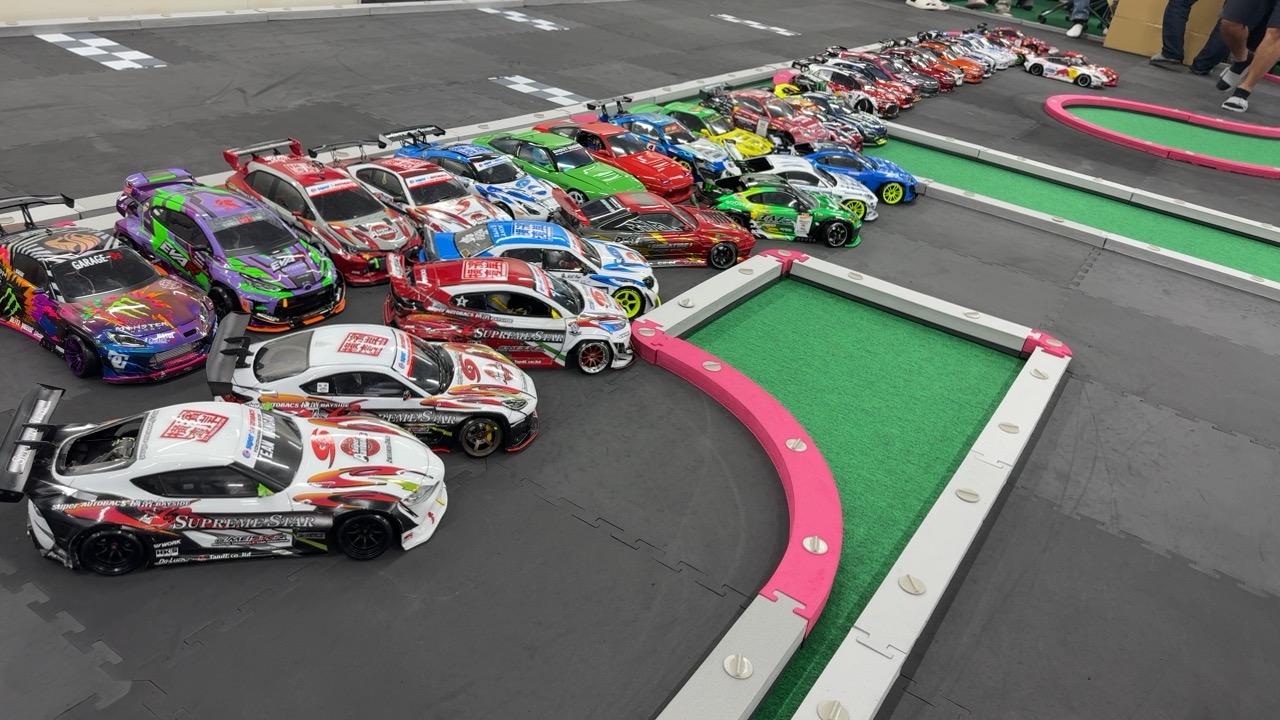
Our indoor P-tile RC drift course in Tsuzuki, Yokohama is open 24 hours a day, every day, for solo practice and tandem driving with friends.
Required tires: TOPLINE TDT-002PE or Rêve D AS-01. Check the tire requirement and in-store procedures before driving. The venue is unstaffed; contact us before visiting if you have questions.
Watch the WARU Judgment introduction ↗ · Prices · Check-in instructions
Archive of drift driving videos
- Drift driving video (Japanese blog) ↗
- December 18, 2024 (Japanese blog) ↗
- December 11, 2024 — 1 (Japanese blog) ↗
- December 11, 2024 — 2 (Japanese blog) ↗
- December 10, 2024 (Japanese blog) ↗
- December 4, 2024 (Japanese blog) ↗
- More drift videos (Japanese blog) ↗
Archive footage; layouts may differ from the current course.
Mini-Z course and compatibility
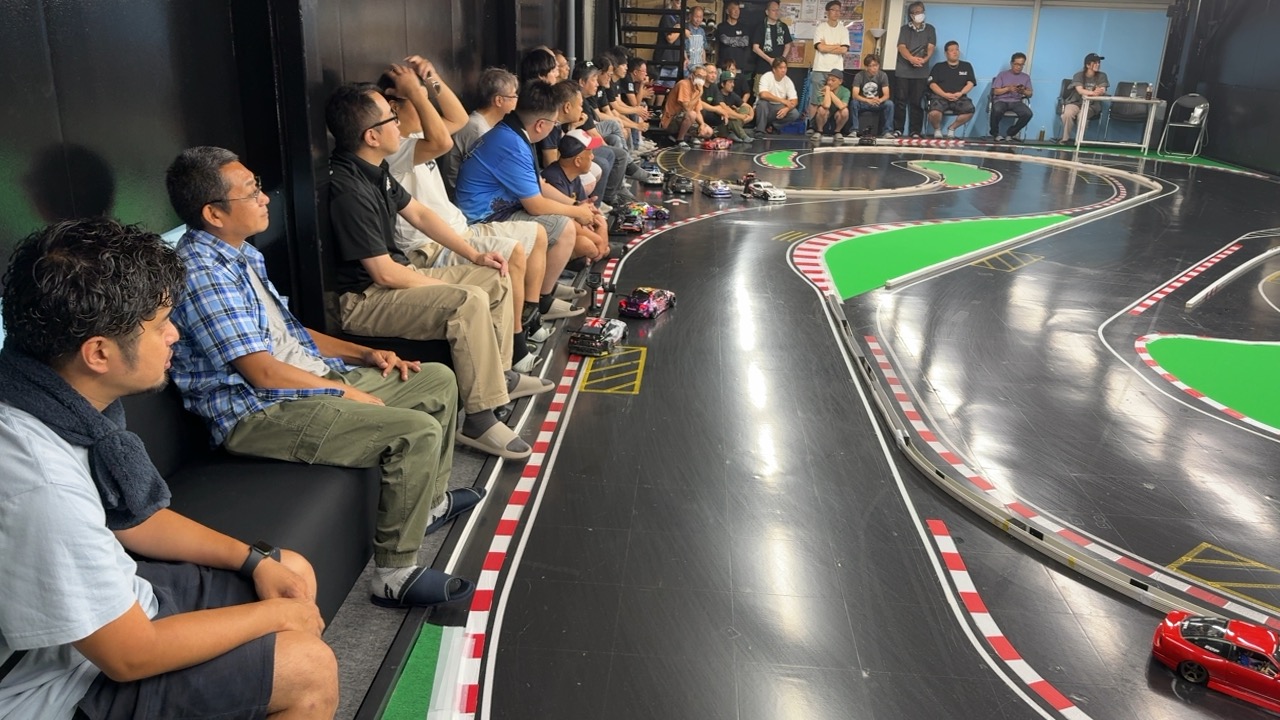
A permanent full-size KYOSHO MINI-Z CUP urethane course, with monthly changes based on official layouts used at different events. Suitable for competition practice and for anyone who wants to enjoy official layouts, from beginners to experienced drivers.
The floor beneath the urethane is precision-leveled and carpeted for a flat driving surface. Pit spaces surround the course for preparation and setup. Check your lap times as you build your skills.


Layout change and test driving (Japanese) ↗ · Timing monitor improvements (Japanese) ↗ · Mini-Z blog ↗
Mini-Z EVO and Futaba transmitters
Check the specific car, receiver and transmitter combination. For Futaba equipment too, confirm the model and compatible receiver unit in KYOSHO’s official compatibility chart before preparing your car.
KYOSHO transmitter / receiver compatibility chart ↗ · Prices and first-visit guide
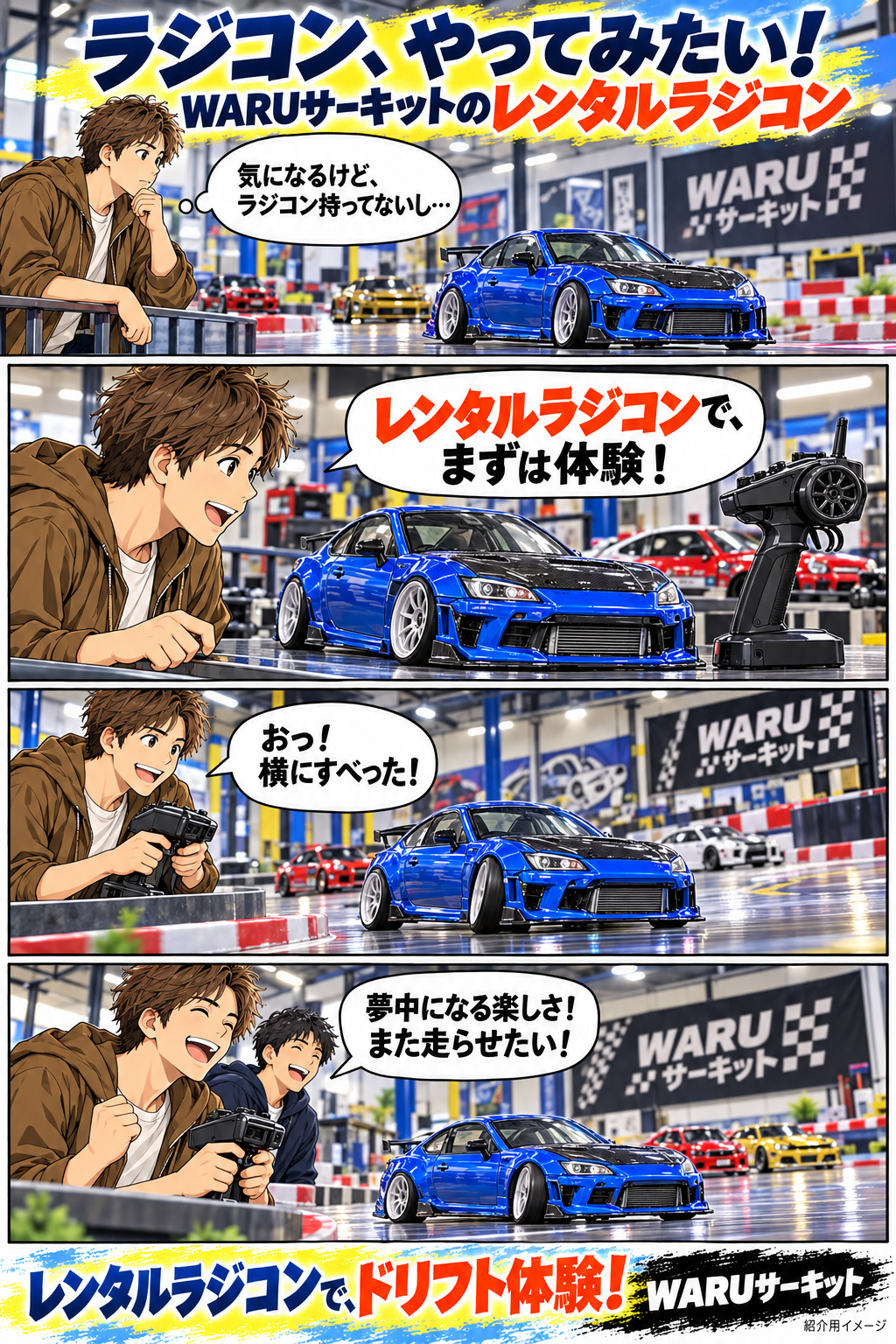
Rental RC: try it first
Interested in drift RC or Mini-Z but unsure what to buy or how to begin? WARU staff can explain the basics. Start by contacting us and discussing your visit.
Mini-size drift RC cars such as MRD are available, with controls similar to 1/10-scale RC cars.
¥1,000 per rental car, plus the separate facility usage fee.
Advance contact is essential so we can prepare batteries and equipment. Although the circuit is open 24 hours, staff are not always on site.
Arrange rental through WARU LINE →
Please tell us your planned date and time before visiting. This is the WARU rental contact; simulator bookings use WORKS LINE.
WARU SHOP / HORI KOBO
RC parts available by mail order.
HORI Kobo draws on automotive planning, design and manufacturing engineering experience to develop functional RC parts. Order available products from the Japanese catalog through 商品詳細・購入 (Product details / Buy), then check the cart total including shipping.
Available finished products are dispatched from stock. HORI Kobo products ship within 3 days after payment is confirmed. Sales, payment, cancellation and return inquiries are handled by WARU SHOP (WORKS Co., Ltd.).
Browse current products and prices (Japanese) → · View cart →
WARU hoodies: planned release
The proposed design is a full-zip hoodie with WARU logos on the chest and back. Colors, sizes and quantities can be discussed in the Drift / Mini-Z OpenChats. This is a preference survey, not an order. Orders and payments for hoodies are not being accepted yet.

02 / PRICING
From one hour
to a full 24 hours.
Special prices for women and children up to junior high school age.
Time continues to run during temporary outings
for meals, shopping, or other breaks.
| Session length | Standard | Women / ChildrenUp to junior high school age |
|---|---|---|
| Up to 1 hour | 1,000yen | 500yen |
| Over 1–2 hours | 1,500yen | 750yen |
| Over 2–3 hours | 1,800yen | 1,000yen |
| Over 3–5 hours | 2,000yen | 1,200yen |
| Over 5–12 hours | 2,500yen | 1,500yen |
| Over 12–24 hours | 3,000yen | 2,000yen |
Seconds are discarded and fees are calculated in whole minutes. The standard fee is ¥1,800 through 3:00:59, and ¥2,000 from 3:01:00.
03 / HOW TO PLAY
First time?
You are welcome here.
Mobile check-in is being prepared. Here is how to use the current in-store reception.
- 01
Print your entry card
Select Drift or Mini-Z at reception and print an entry card.
- 02
Write your name and entry time
A nickname is fine. Attach your card to the corkboard and enjoy driving.
- 03
Check your exit time and fee
Write your exit time on the card and check your session length against the price list.
- 04
Pay using the in-store instructions
Through November 30, 2026, PayPay, Rakuten Pay, au PAY, and cash are available at the circuit. From December 1, please pay on your smartphone.
Cash payments through November 30, 2026
Place your entry card and cash together in a plastic bag and drop it into the payment box.
No change is available. Please prepare the exact amount.
Photo guides
Tap an image to open the full-size guide.
Facility guide (Japanese)
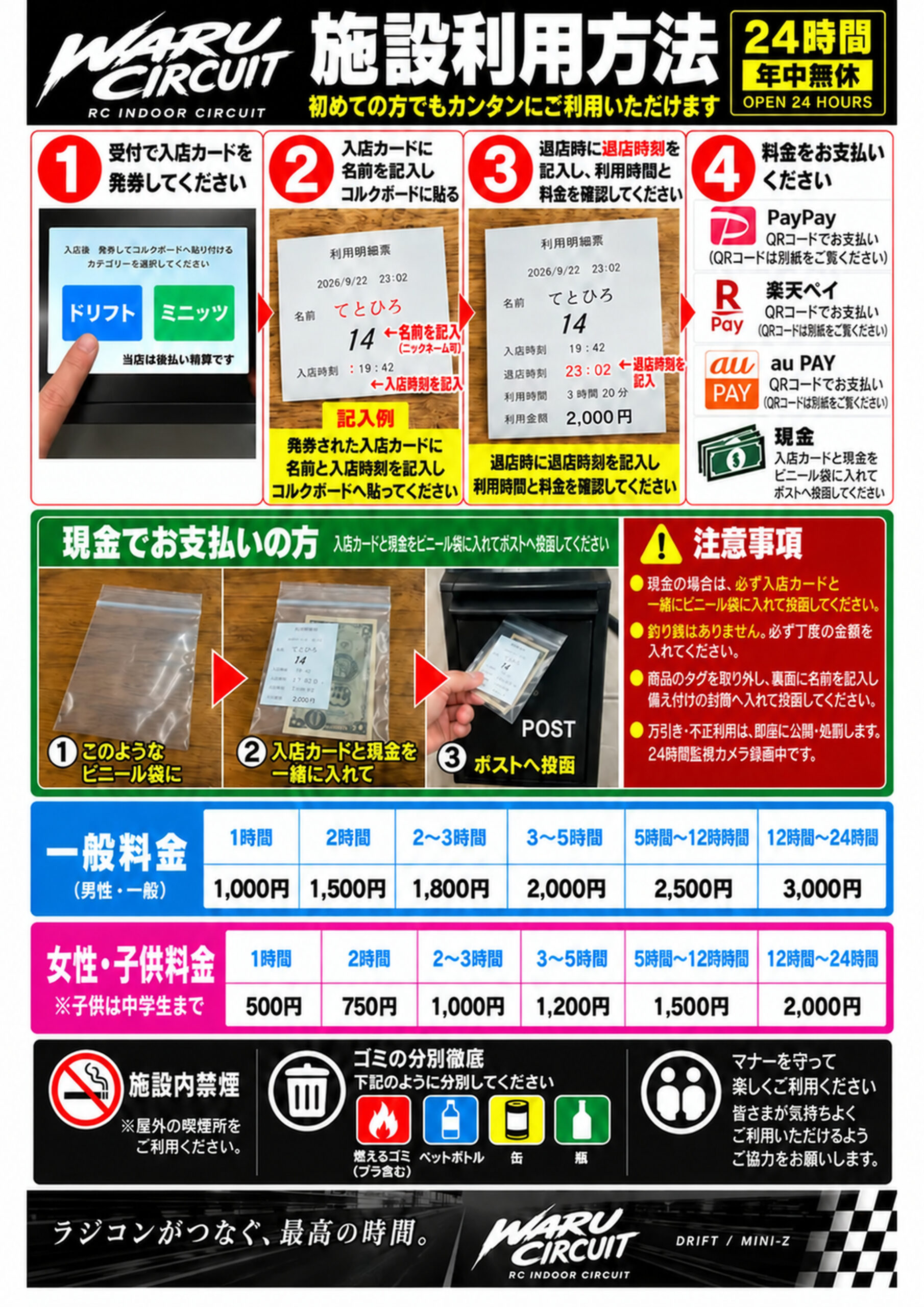
Photo instructions for check-in, fees, and cash payments.
View full size ↗HOW TO USE(English)
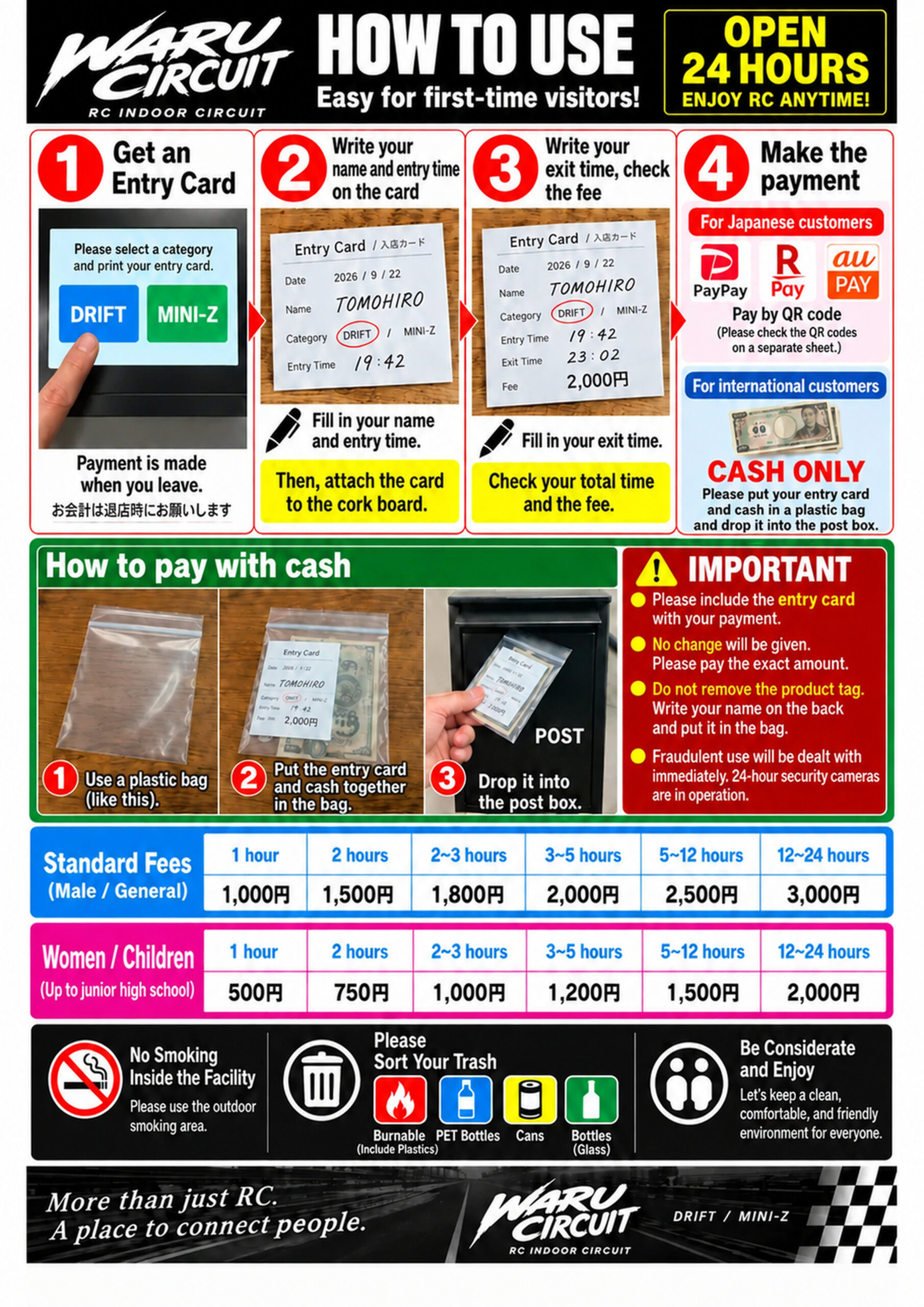
English guide to check-in, fees and payment.
View full size ↗How to buy parts
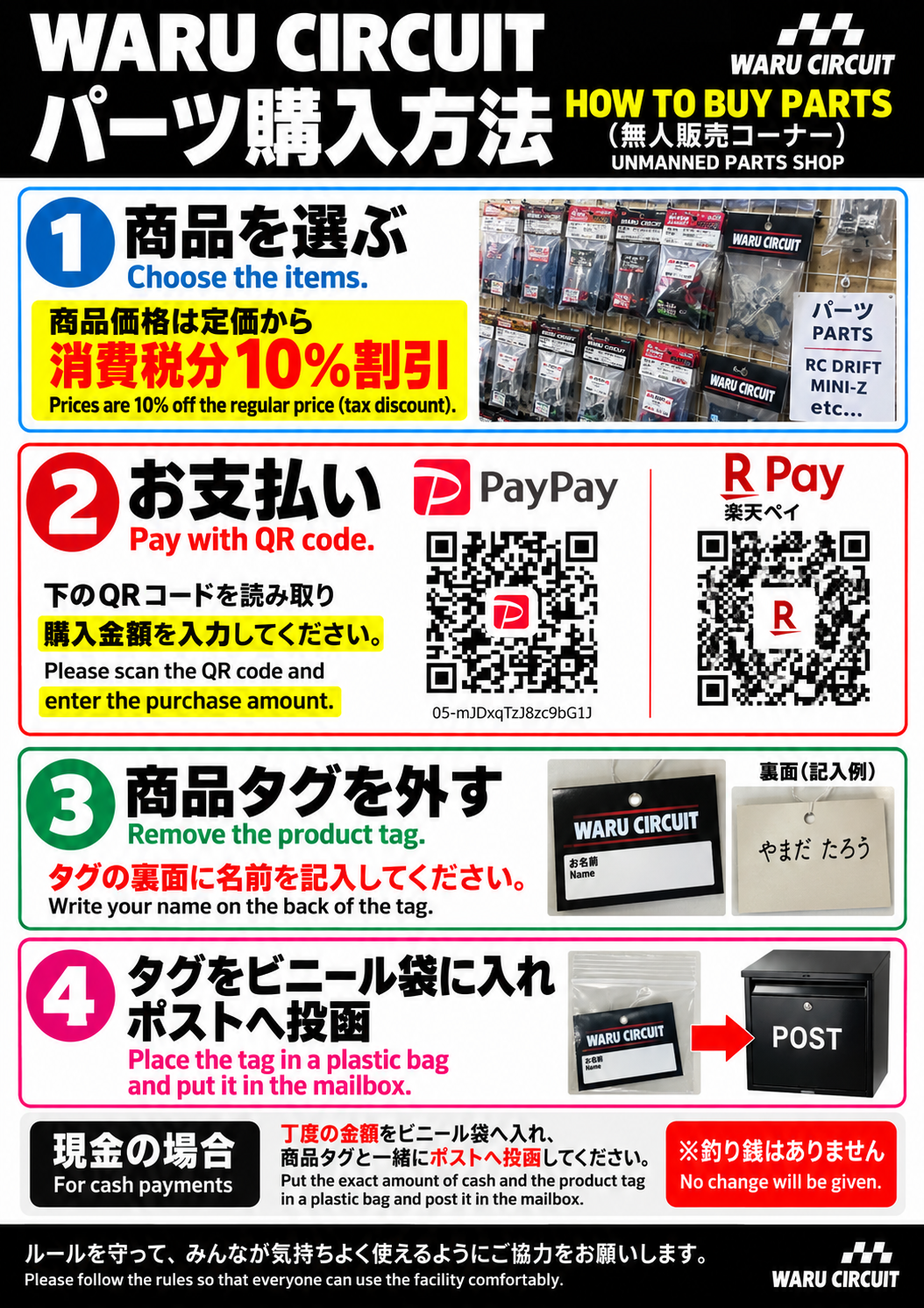
Choose items, pay, and return product tags. Japanese and English instructions.
View full size ↗NEXT / SMART CHECK-IN
Check in and pay with your phone.
Mobile check-in, online payments, and optional membership registration are being prepared.
Please use the in-store reception and payment facilities for now.
04 / VISIT US
WARU CIRCUIT —
you’ll want to come back!
〒224-0025
2-1-16 Hayabuchi, Tsuzuki-ku, Yokohama, Kanagawa, Japan
3 minutes by car from the Tsuzuki exit on the Daisan Keihin Expressway
15 minutes on foot from Higashi-yamata Station on the Yokohama Municipal Subway
Convenience store next door
Hours: Unstaffed operation, 24 hours a day, 365 days a year
Telephone inquiries: weekdays 10 a.m.–8 p.m.; Saturdays, Sundays and Japanese public holidays 10 a.m.–7 p.m. Email is received 24 hours a day; replies are handled during those hours. These contact hours differ from the 24-hour RC facility opening hours.
No smoking inside the facility. Please sort your trash and help keep the circuit comfortable for everyone.
DAILY BLOG / AMEBLO
Daily life at WARU
Photos and updates from our Ameblo blog.
Multiple posts from the same day are included. New RSS entries are checked when the page is viewed at least 5 minutes after the previous successful check. Articles are in Japanese.



WARU CIRCUIT / INFORMATION
Operator
WARU CIRCUIT is an indoor RC circuit operated by WORKS Co., Ltd.
- Company name
- WORKS Co., Ltd.
- Representative director
- Tomohiro Fujigasaki
- Address
- 2-1-16 Hayabuchi, Tsuzuki-ku, Yokohama, Kanagawa 224-0025, Japan
- Established
- February 29, 1996
- Capital
- ¥10,000,000
- Employees
- 4
- Telephone
- 045-590-6231
- WARU inquiries
- info@warucircuit.com
- Operator’s official website
- WORKS official website / Company profile
WORKS and WARU CIRCUIT
WORKS Co., Ltd. provides automotive maintenance, customization, and parts sales. WARU CIRCUIT offers a P-tile RC drift course and a full-size urethane Mini-Z course.
WARU CIRCUIT operates unstaffed, 24 hours a day, every day. The hours and closing days of WORKS automotive services are different.
WARU CIRCUIT / INFORMATION
Privacy policy
WORKS Co., Ltd. manages personal information handled in operating WARU CIRCUIT according to the following policy.
Online check-in, optional membership registration, and online payments are being prepared. The related information handling provisions apply when each feature becomes available.
For mail orders, we use purchaser and delivery-recipient names, addresses, telephone numbers, email addresses and order details to process orders, dispatch goods, communicate and handle returns or refunds. Necessary delivery data is provided to delivery companies. Bank-transfer name, amount and date are used to verify payment.
For HORI Kobo shipping tasks, the designated HORI Kobo operator can access the recipient name, postcode, address, telephone number, ordered products and quantities, and shipping status through a dedicated screen, solely for shipping and delivery support. Email addresses, order totals and bank-payment information are not shown on that screen.
1. Information and purposes of use
- Check-in name or nickname, entry number, entry and exit times, course, and price category are used to manage reception, calculate session length and fees, and check usage history.
- Payment amount, method, transaction number, and payment or refund status are used for settlement, payment verification, duplicate-payment prevention, and refunds.
- Names, contact details, and inquiry contents are used to respond to inquiries and make necessary contact.
- Information supplied during optional membership registration is used to identify members, manage usage history, and provide applicable discounts. Registration fields and purposes are also explained on the registration screen.
2. Payment information
Online payments for circuit use are being prepared through KOMOJU; mail-order payments are accepted by advance bank transfer. WARU’s reception system will not collect or store card numbers or security codes. Amounts and transaction identifiers needed for payment processing will be shared with the payment provider. Available payment methods will be shown when the service starts.
3. Cookies and access information
Online reception will use cookies and similar technologies to maintain check-in status and prevent misuse. Server access logs are used for secure operation and troubleshooting. External links are subject to the destination website’s privacy policy.
4. Cameras and live streaming
Security cameras record inside the facility. The courses are also live-streamed on YouTube, with links on the homepage. Please contact us using the details below with questions about recording or streaming.
5. Service providers and third parties
When payment processing, system operations, or other necessary tasks are outsourced, information is handled only as needed and service providers are appropriately managed. Personal information is not shared with third parties without consent, except as required by law or in other legally permitted circumstances.
6. Security and retention
We take security measures appropriate to the information, including access control and protection against unauthorized access. Information is retained for the purposes of use and legally required periods, then appropriately deleted when no longer needed.
7. Access, correction, and suspension requests
Contact us below to request access to, correction of, or suspension of use of your information. After verifying your identity, we will respond in accordance with applicable law.
WORKS Co., Ltd. (Representative director: Tomohiro Fujigasaki)
2-1-16 Hayabuchi, Tsuzuki-ku, Yokohama, Kanagawa 224-0025, Japan
Telephone: 045-590-6231
Email: info@warucircuit.com
8. Changes to this policy
This policy may be revised as services and legal requirements change. Changes will be announced on this website.
WARU CIRCUIT / INFORMATION
Sales and service disclosure
Operator: WORKS Co., Ltd. / WARU SHOP. Corporate number: 8020001043971. Responsible representative: Tomohiro Fujigasaki. Address: 2-1-16 Hayabuchi, Tsuzuki-ku, Yokohama, Kanagawa 224-0025, Japan.
Telephone: 045-590-6231. Email: info@warucircuit.com. Telephone hours: weekdays 10 a.m.–8 p.m.; Saturdays, Sundays and Japanese public holidays 10 a.m.–7 p.m. Email can arrive at any time; replies are handled during these hours. The RC facility itself is open 24 hours.
Facility use
Indoor RC circuit use. Drift and Mini-Z share the listed fees; simulator fees and booking are separate. Fees depend on duration and price category, discarding seconds and counting whole minutes. Temporary outings remain part of your session.
Pay when finishing, using the in-store PayPay, Rakuten Pay, au PAY or cash instructions. Cash and the entry card go together in a bag into the payment box; no change is available. Use begins after arrival and check-in; membership is not required. There is no delivery charge for facility use. Internet/communication costs are the customer’s responsibility.
Used session time is not refunded for customer convenience. Duplicate payments or incorrect charges will be investigated and refunded. If venue equipment faults or other venue-side problems prevent use, a reduction or refund may be provided according to the circumstances. Contact us above.
Mail order: WARU SHOP
Bank-transfer mail orders are currently accepted for available HORI Kobo RC parts and related products. Product pages show tax-inclusive prices. Items whose price, specifications or stock are still being checked cannot be ordered until confirmed.
Payment and contract formation
Confirming an order in checkout constitutes an offer to purchase. We accept it, and the sales contract is formed, when the automated order-acceptance email stating the order contents reaches you. Pay by bank transfer in advance within 7 days of ordering. Transfer fees are the customer’s responsibility; dispatch follows our payment confirmation.
Bank: PayPay Bank, Head Office Business Department; ordinary account 8305822; account name 株式会社ワークス. If the remitter name differs from the order name, email the order number and remitter name.
Shipping within Japan
HORI Kobo products share the regional fees below, whether ordering one item or multiple items packed together. Prices include tax and one ¥70 box charge per order. The cart and checkout show the total before order confirmation. We ship available finished goods within Japan.
| Destination | Shipping + box |
|---|---|
| Hokkaido | ¥870 + ¥70 = ¥940 |
| Northern Tohoku: Aomori, Iwate, Akita | ¥710 + ¥70 = ¥780 |
| Southern Tohoku: Miyagi, Yamagata, Fukushima | ¥650 + ¥70 = ¥720 |
| Kanto | ¥650 + ¥70 = ¥720 |
| Shinetsu: Niigata, Nagano | ¥650 + ¥70 = ¥720 |
| Hokuriku: Toyama, Ishikawa, Fukui | ¥650 + ¥70 = ¥720 |
| Chubu: Gifu, Shizuoka, Aichi, Mie | ¥650 + ¥70 = ¥720 |
| Kansai: Shiga, Kyoto, Osaka, Hyogo, Nara, Wakayama | ¥710 + ¥70 = ¥780 |
| Chugoku / Shikoku | ¥760 + ¥70 = ¥830 |
| Kyushu / Okinawa | ¥870 + ¥70 = ¥940 |
HORI Kobo products ship within 3 days after payment confirmation. Arrival depends on region, shipping method, weather and other conditions. If delayed or out of stock, we will contact you about a revised dispatch date or cancellation/refund. Order quantity and sale periods follow the conditions on each product page.
Cancellations and returns
Contact us by phone or email to cancel before shipping preparation begins. After preparation begins, the return conditions apply.
For customer-convenience returns of ordinary unused, unopened items, contact us within 8 days of arrival for return instructions. Return postage and the original shipping fee are the customer’s responsibility. Opened, used or modified items cannot be returned or exchanged for customer convenience.
For defects, damage or incorrect items, please contact us preferably within 7 days of arrival. We cover replacement costs; if no replacement stock is available, we refund. This contact period does not restrict statutory rights. After confirming the return, we normally initiate a refund to the original payment method within 7 business days. Actual receipt timing depends on the payment provider.
Sales, payments, cancellations and returns: WARU SHOP / WORKS Co., Ltd.